
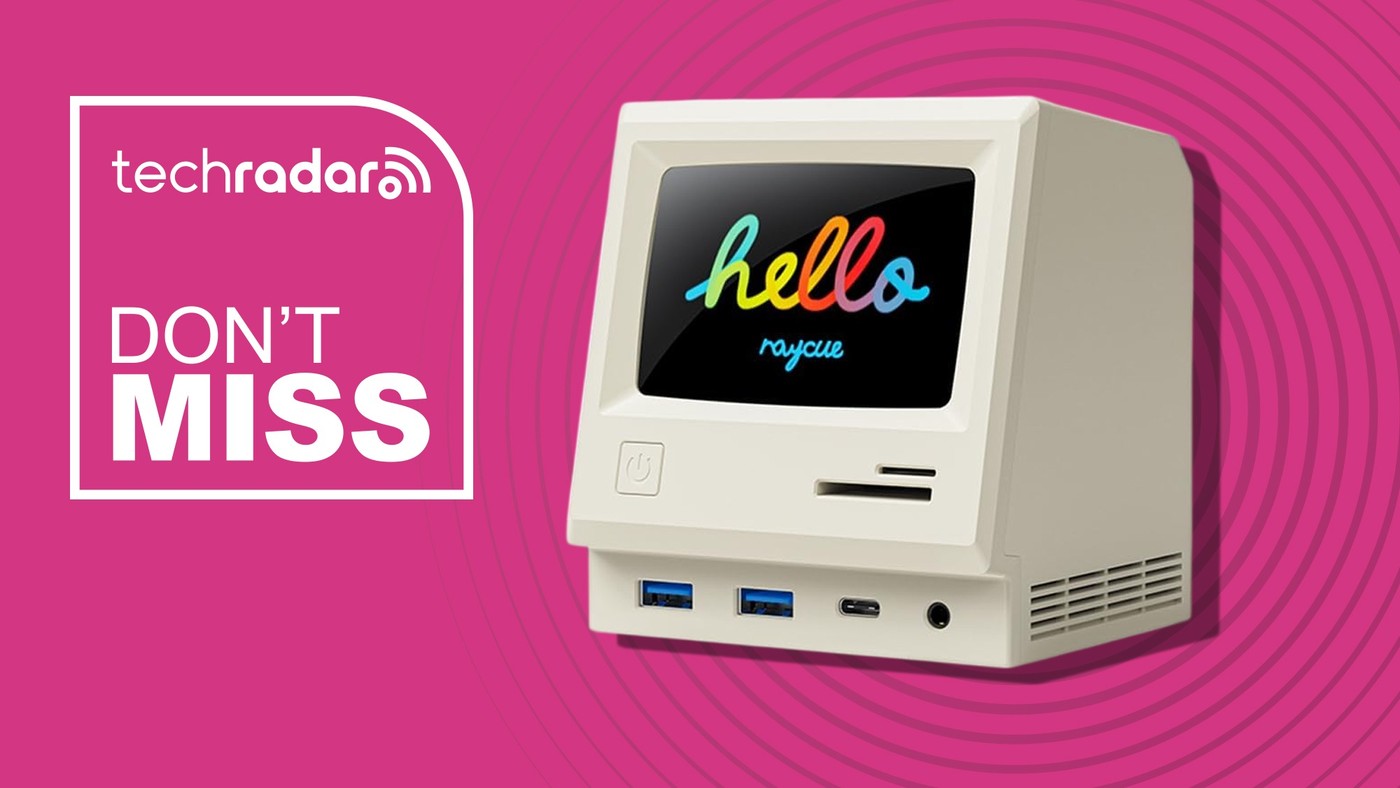
RayCue's Retro Dock Adds a Screen of Its Own
Treat the small screen as a separate feature
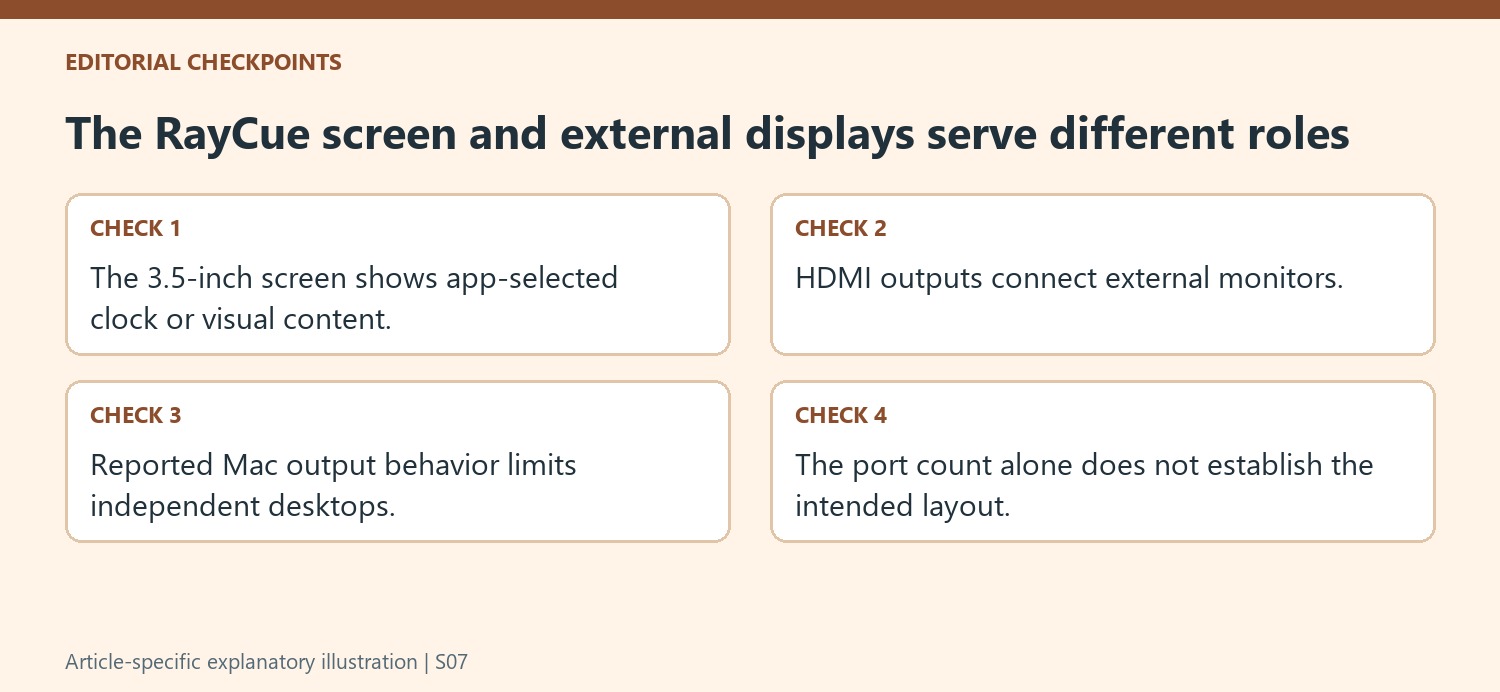
TechRadar describes the RayCue 128K SE as a dock styled like a miniature vintage computer, with a small IPS screen that can show a clock or personal images. The screen gives the product a visible desk role beyond connection expansion. Its content is customized through the associated application described in the report. This is different from the external monitor outputs used by the computer. Decide whether the decorative display is useful in the intended workspace or simply an attractive extra, then evaluate the actual docking functions independently rather than assuming the unusual case makes the connection capabilities more extensive.
Check monitor behavior for the operating system
The source lists three HDMI outputs but explicitly describes a limitation for Mac users: connected external screens show the same content instead of acting as three separately extended desktops in the reported arrangement. That boundary matters more than the raw number of sockets when planning work across several screens. Confirm current manufacturer guidance for the exact host and product version before purchase. A Windows oriented display claim should not automatically be carried over to macOS. Likewise, a list of 4K outputs does not by itself specify every simultaneous resolution and refresh combination available in a complete setup.
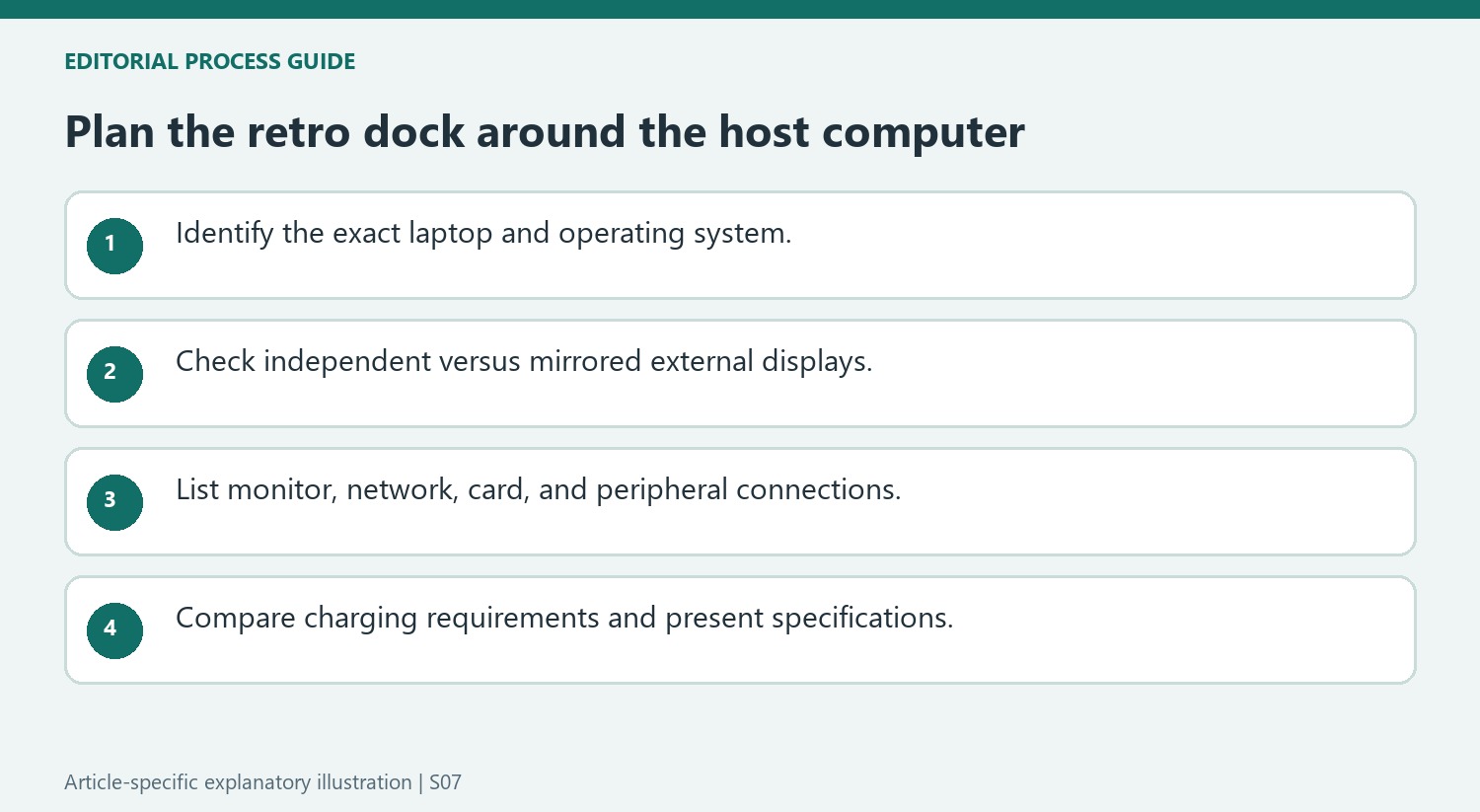
Compare the remaining connections with everyday needs
USB accessory ports, Ethernet, card slots and audio give the dock a broader role than a simple splitter. Count the devices that will remain attached and identify any frequently changed accessories before choosing its desk position. Check the power supply and host charging arrangement in current documentation rather than relying on a brief shopping summary. The article's offer price was tied to a particular promotional window and should not be presented as a current discount. Its longer lasting value is a clear view of the product's style and reported functional limits, which need weighing together for the intended computer.
Count display arrangements rather than sockets alone
Three HDMI connections sound like three separate workspaces, but the operating system matters as much as the connector count. The report describes independent external displays for compatible Windows setups and mirrored content on connected Mac displays. That distinction should come before the purchase: a person arranging a spreadsheet, reference page, and communication window across different screens needs extended desktops. Someone repeating one presentation on several screens has a different requirement. The 4K label also describes a resolution capability rather than proving every possible display combination will behave identically. Check the current dock documentation against the exact laptop and intended monitor arrangement before deciding that the advertised total solves the problem.
Build the connection list around actual desk equipment
The mixture of Ethernet, card readers, USB ports, audio, and HDMI can replace several adapters, but its usefulness depends on what is already on the desk. A photographer transferring cards and a laptop user connecting a wired network may value different parts of the same hub. The reported 5Gbps USB-C connection is another specification to compare with peripheral needs rather than an invitation to assume every socket has the same speed. Include the laptop's charging needs in that inventory too. A supplied 45W adapter should be evaluated against the machine's requirements; the presence of power equipment does not make it an unrestricted charging solution for every computer.
Give the miniature display a separate role
The integrated 3.5-inch IPS screen adds a clock, photo, or video feature through the RayCue app, which explains much of the dock's distinctive appearance. It is worth treating this as a small desk display alongside the connectivity functions. It does not remove the need to confirm the external monitor limitations or the host connection requirements. The cited promotional price was a short-lived offer, so it provides historical context rather than a reliable current budget. Compare today's complete package, supported software, and required accessories. The retro shell may make the device appealing, but a practical purchase still begins with a connection plan that matches the computer and the screens.
References
- This retro Mac-style 13-in-1 USB-C dock gets an early Prime Day price cut. TechRadar; Wayne Williams.
The 128K SE combines desktop styling with several connections, but the reported Mac display behavior needs a specific check.


Leave a Comment
Comments (0)