
A Compact Belkin Dock Leaves One Spare USB-C Port
Count usable accessory ports after connecting the host
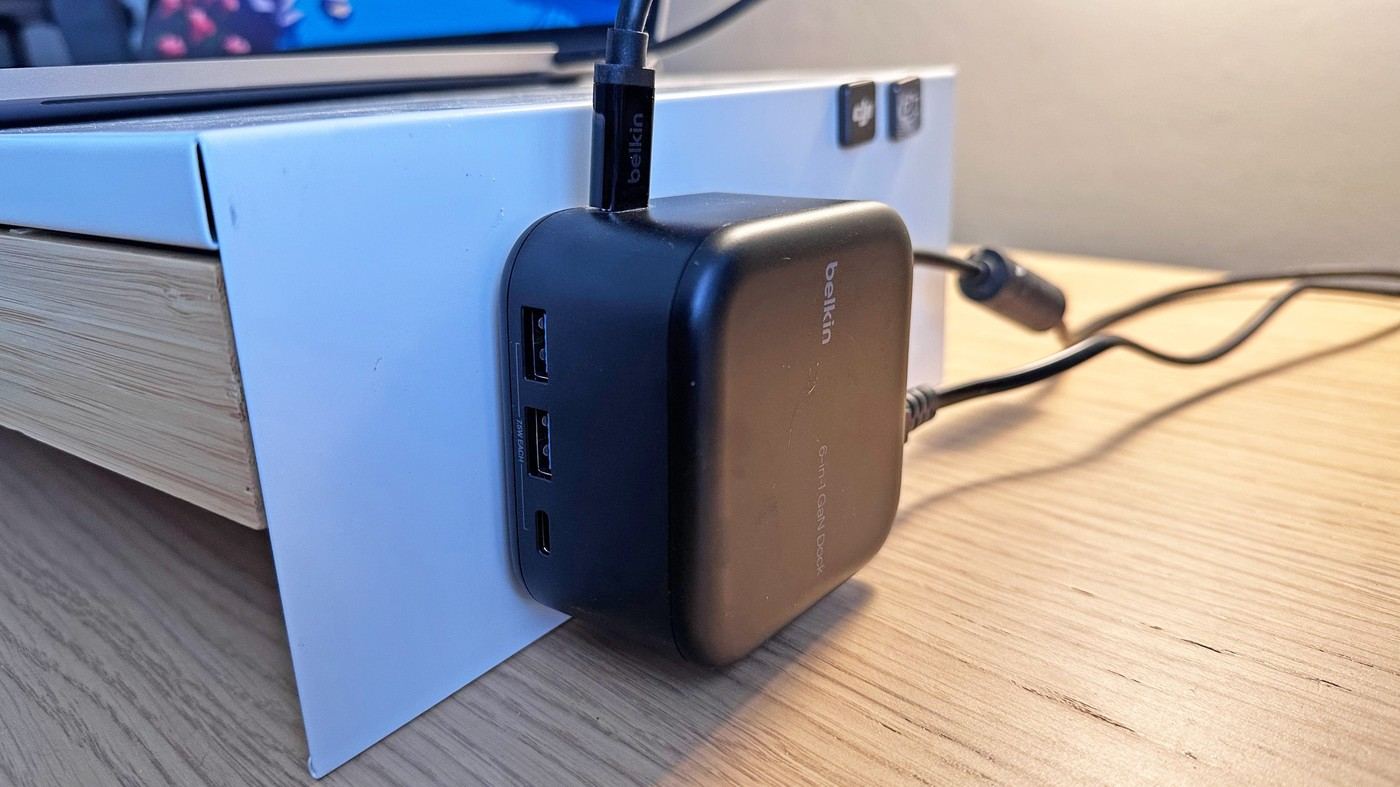
Tom's Guide's Belkin Connect 6-in-1 Core GaN review highlights a compact dock intended for ordinary office work. One USB-C connection serves the laptop, leaving one additional USB-C accessory port alongside two USB-A ports. That distinction matters when counting expansion: two visible USB-C sockets do not mean two newly available accessory connections. The reviewer found the remaining selection restrictive for a collection increasingly based on USB-C. List the devices normally attached before deciding whether the small footprint is worth the reduced variety. A tidy case can still leave a need for another adapter if the port mix does not match the desk.
Separate the supply rating from host power
The source describes a one hundred thirty watt power supply with up to ninety six watts passed to the laptop through the designated host connection. These are different ratings, not contradictory descriptions of one output. The accessory ports provide much lower charging power, which suits some small devices but should not be confused with another laptop charging outlet. Check the actual host requirement and product specification for the intended arrangement. The dock's USB data connections are described at five gigabits per second, while Ethernet is gigabit class. Keep bits and bytes distinct when comparing such ratings instead of repeating ambiguous unit wording.
Plan for one display and ordinary productivity
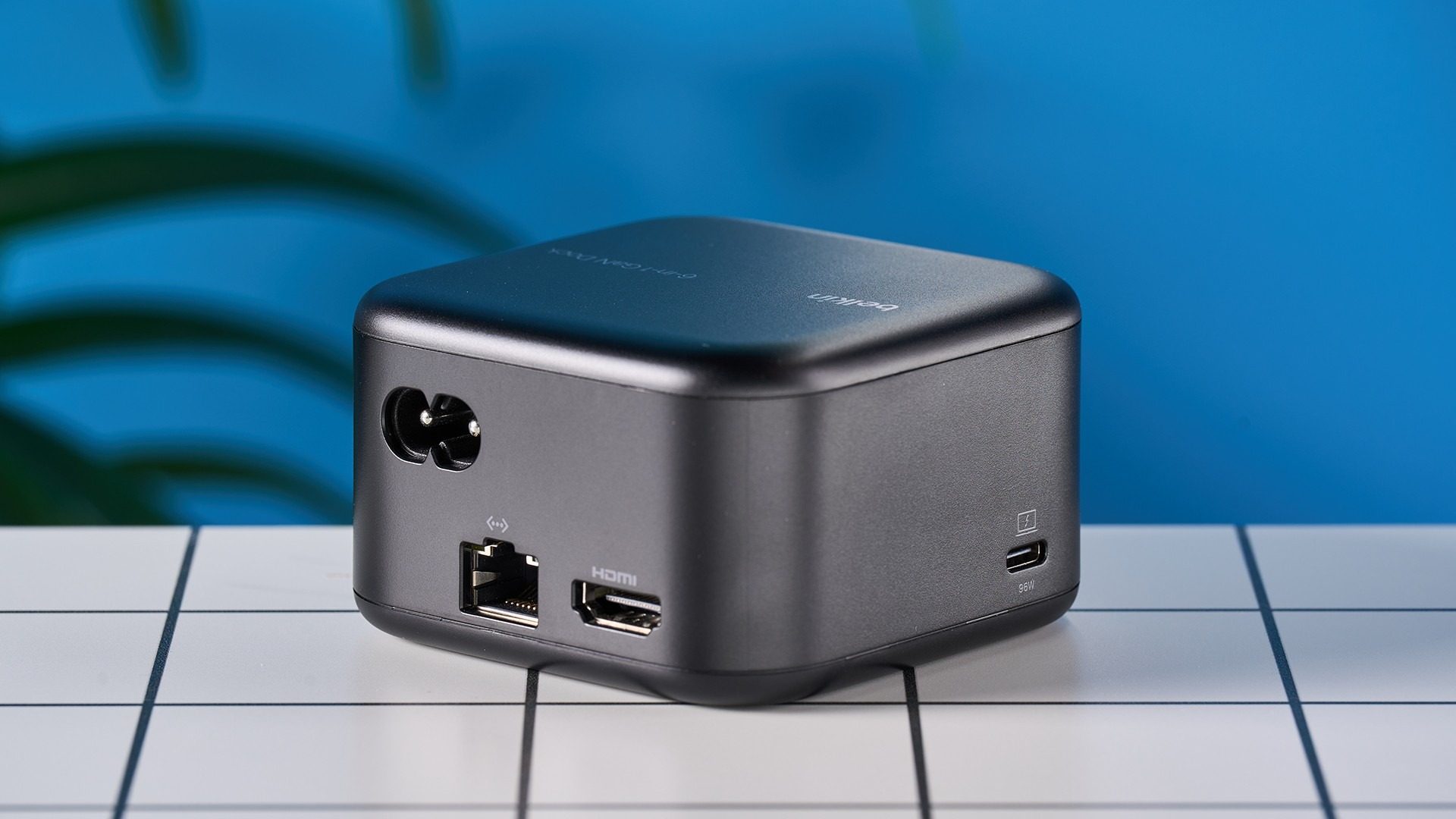
The review describes a single HDMI display connection supporting an appropriate 4K screen at up to sixty hertz. It also notes the absence of card readers, a headphone connection and another monitor output. These limits can matter to home office users as well as demanding professionals. Choose around the actual monitor and accessory requirements, with host compatibility checked separately. The article's positive assessment of compactness is useful for a simple setup, while its reservations show where another model may fit better. A dock is most helpful when its available connections cover the complete routine without requiring frequent swapping.
Count the connections remaining after the host is attached
The review’s compactness argument should be weighed against the actual accessory list. One USB-C socket serves the laptop, leaving one spare for a USB-C peripheral. Count that available expansion after making the host connection rather than treating two visible sockets as two newly added accessory positions.
List the keyboard, storage, phone and other devices normally used at the same time. If most require USB-C, the two USB-A ports may not solve the shortage without additional cables or adapters. The reviewer’s experience illustrates how a tidy small case can still require frequent swapping. A simple desk with a suitable port mix can benefit, while another apparently light office workflow may need more variety.
Match power and link ratings to their individual roles
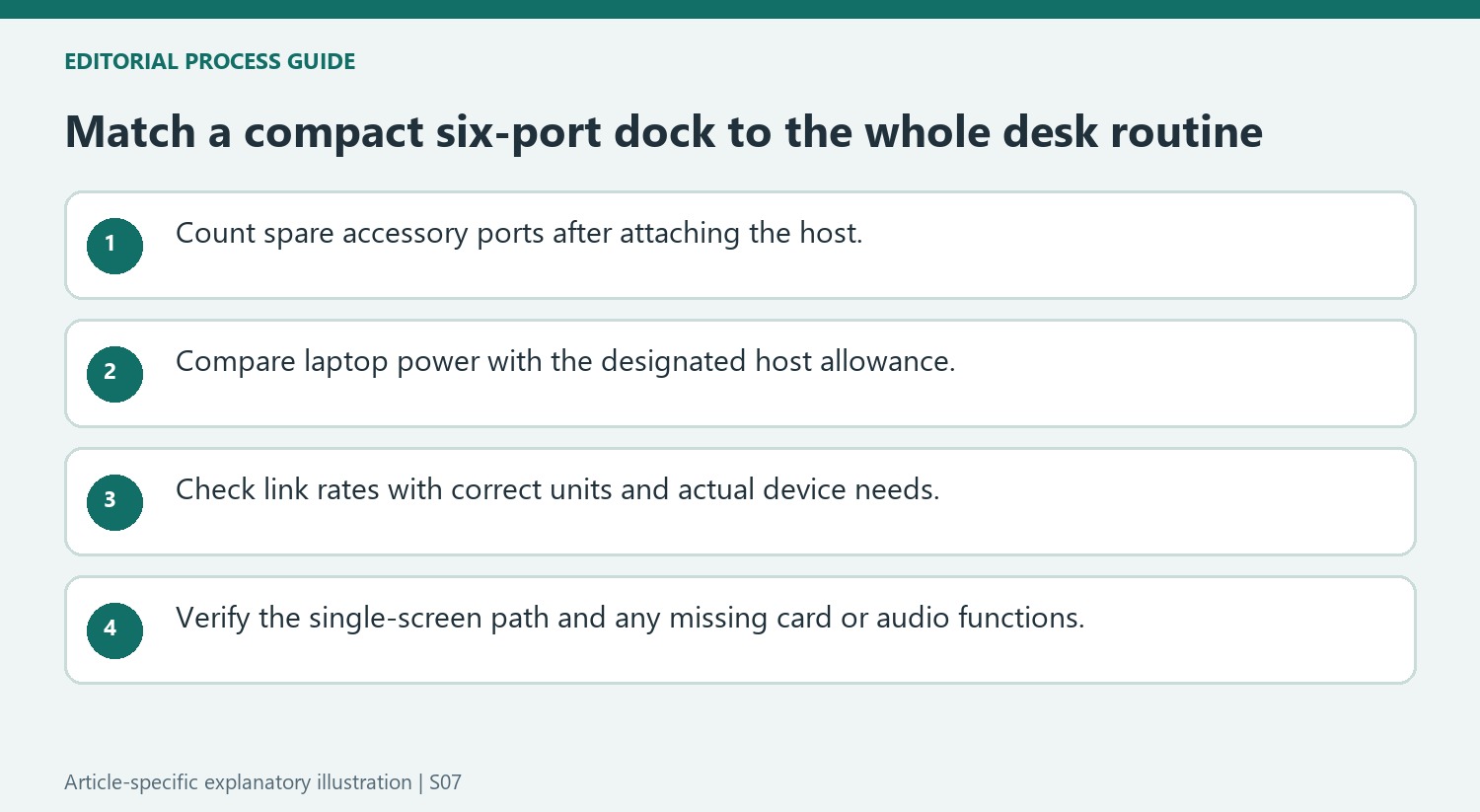
The source separates a 130W supply from up-to-96W host passthrough and much lower accessory-port charging. Compare the laptop’s requirement with the host allowance instead of describing every socket as another high-power laptop outlet. A supply’s total rating and each port’s role belong in different parts of the plan.
Use the stated 5Gbps USB and gigabit Ethernet capabilities as link ratings, preserving bits rather than repeating inconsistent byte wording from a review. Actual transfer results also depend on the attached devices and network. This prevents the small dock’s ordinary-productivity proposition from being presented as a guarantee of identical throughput on every storage or internet task. Check current product specifications for the exact model before purchase.
Plan the single display before prioritizing desk neatness
The review describes one suitable HDMI screen at up to 4K and 60Hz and notes absent card readers, audio connection and additional display output. Those can matter to ordinary home workers as well as specialists. Confirm the host compatibility and desired mode, then evaluate the compact footprint against the complete routine. Current pricing should be checked independently of the review. The most useful result is a desk whose essential connections remain available without frequent workarounds, rather than a small enclosure selected solely because its product photograph looks uncluttered.
References
- Belkin Connect 6-in-1 Core GaN 130W USB-C Dock review. Tom's Guide; Peter Wolinski.
Tom's Guide finds the 6-in-1 Core GaN dock useful for a simple desk but limited for users with several USB-C accessories.


Leave a Comment
Comments (0)