
USB4 Shares Bandwidth Across Supported Functions
Understand the shared link rather than adding port labels
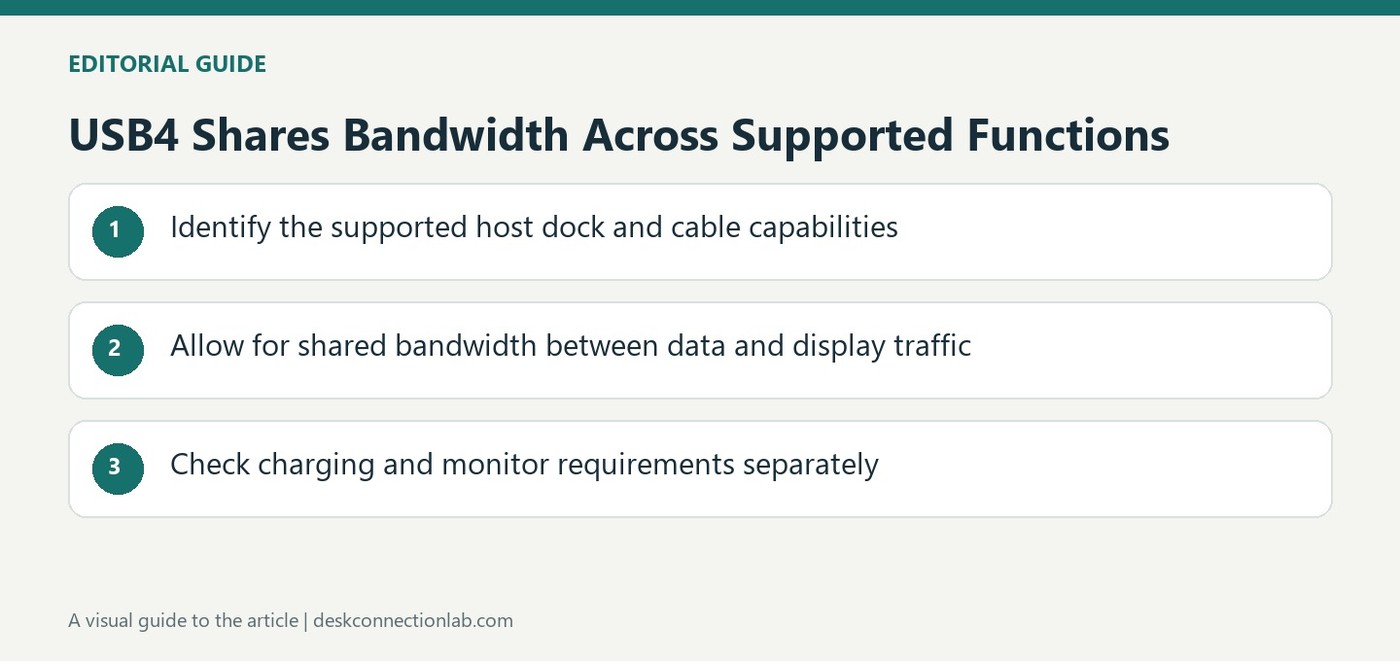
USB Implementers Forum describes USB4 as an architecture that carries multiple supported data and display protocols across one high speed connection. The available bandwidth is shared rather than providing a separate full capacity link for every task attached to a dock. That distinction matters when storage transfers and display traffic use the same host path. A headline connection speed is useful context, but it does not mean each downstream socket independently provides that entire amount at once. Evaluate the complete workload and the actual product implementation instead of adding together the largest number printed beside each separate feature.
Check the mutual capability of the connection
The USB-IF overview says the resulting connection scales to the best mutually supported capability of the equipment involved. Compatibility with older USB generations allows devices to connect without making an older component operate at a newer link's maximum. Cable certification and host support also matter for the intended performance. The page describes operation up to eighty gigabits per second with the appropriate certified cables, which is a standards capability rather than a universal rating for all USB4 products. Confirm the precise host, dock and cable combination before expecting a particular data rate or display arrangement.
Keep charging and display requirements explicit
A shared USB-C connector can simplify a desk, but the tasks still need separate specification checks. Determine the required monitor configuration, peripheral connection and host charging arrangement rather than assuming that a USB4 name answers them all. The standard's architecture explains how supported traffic can coexist; it does not replace the manufacturer's description of which functions a device exposes. For a purchasing comparison, record the actual supported modes and the cable included with each product. This makes differences easier to assess and avoids turning a connection family's broad possibilities into promises about equipment that implements only a particular subset.
Treat aggregate bandwidth as a shared resource
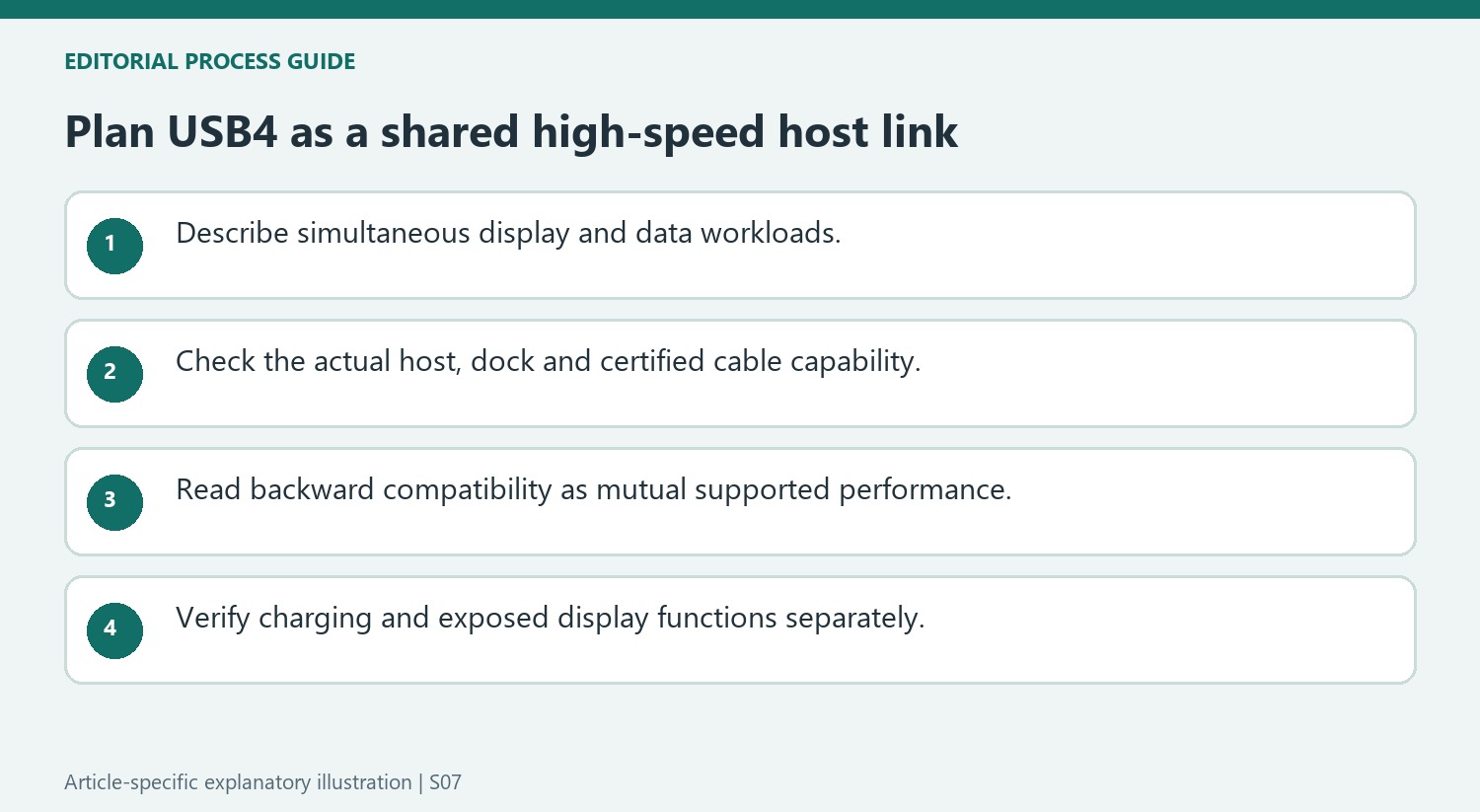
The USB-IF overview explains a single high-speed link carrying multiple supported protocols. That architecture is useful for a dock serving several device types, but it should not be pictured as a separate maximum-speed connection for every attached socket. Display traffic and data tasks share the host path according to the implementation and active requirements.
Describe the intended workload before comparing headline speeds. A desk moving large storage files while driving several screens can place different demands on the link from one using only a keyboard and an office display. The overview explains how sharing is possible; the product specifications and observed workload determine what the actual arrangement provides. Do not add the largest numbers from every port listing as though those independent maxima were all simultaneously guaranteed.
Read backward compatibility without implying an upgrade
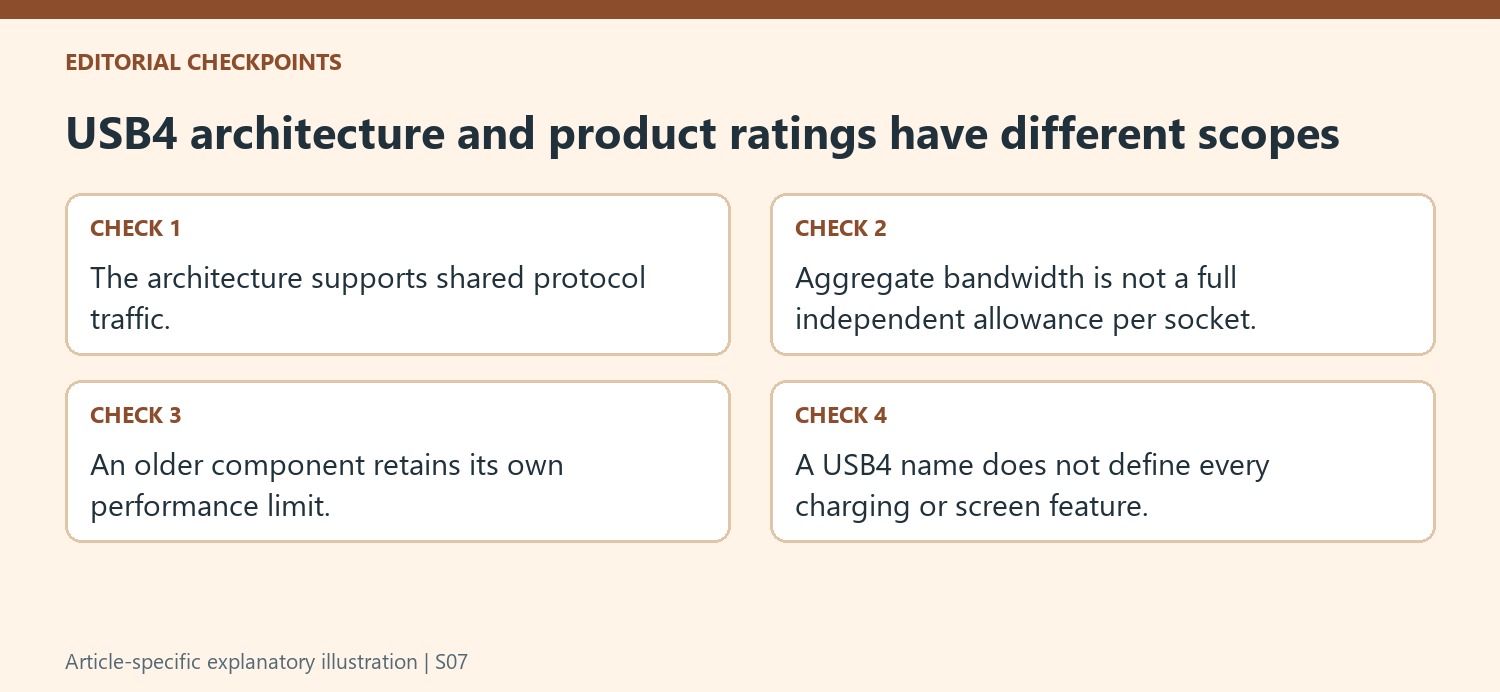
The resulting connection scales to mutually supported capability. An older compatible device can participate without gaining the maximum performance of a newer host or dock. Keep the host, dock and cable ratings together when assessing the complete link, rather than assuming one high-rated component determines every result.
The source discusses operation up to 80Gbps with appropriate certified cables as part of the standard’s possibilities. That is not a universal rating for every product bearing the USB4 name. Identify the actual supported link and cable certification for the equipment being purchased. A generic connector photograph or family label cannot replace those details, especially when a desired display configuration also depends on host graphics capability.
Keep power and visible outputs in the purchase plan
Check host charging, downstream accessory power and the intended monitor modes separately from aggregate data bandwidth. A shared USB-C connector simplifies attachment but does not make all those ratings interchangeable. Record which ports provide the required functions and verify the ordinary combined task after installation. If performance differs from expectations, retain the exact workload and link map for support. This turns the standard’s architectural overview into practical questions without promising that every implementation exposes every feature or gives every downstream task the entire advertised host bandwidth at once.
References
- USB4®. USB Implementers Forum.
USB-IF describes a shared high speed link whose useful capabilities depend on the devices and cables connected together.


Leave a Comment
Comments (0)