
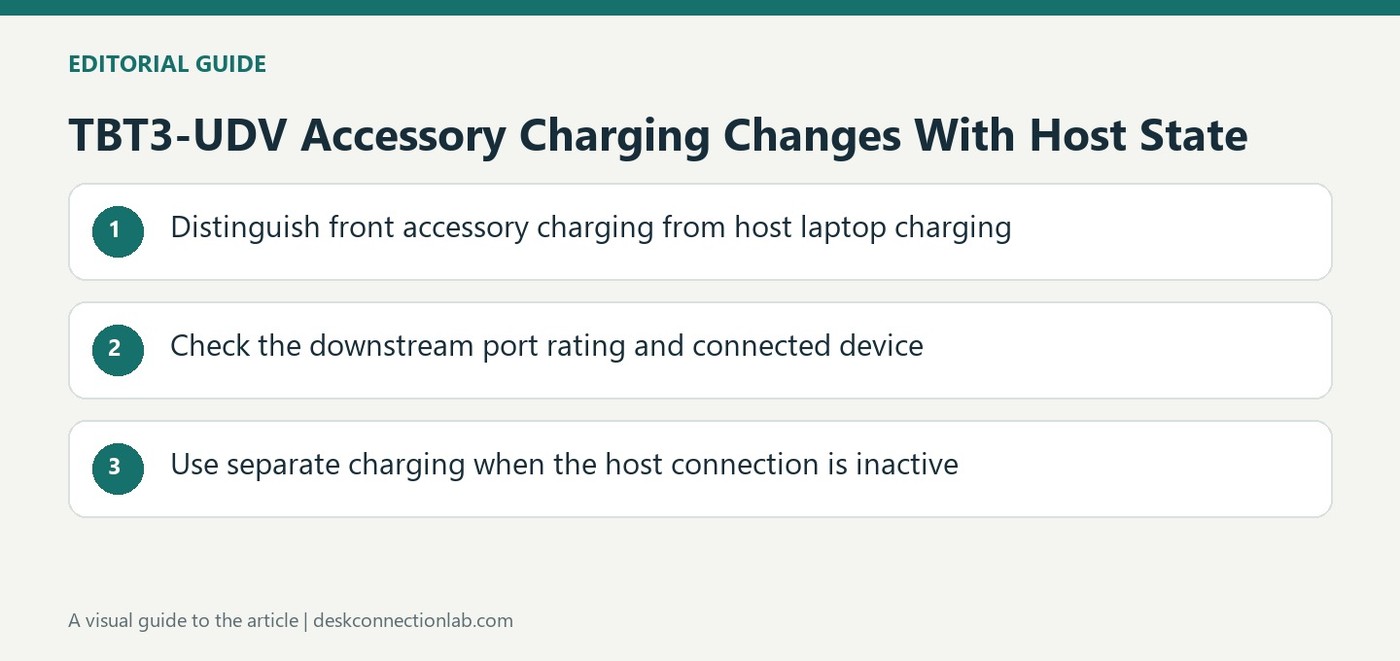
TBT3-UDV Accessory Charging Changes With Host State
Choose the port by its documented role
Plugable identifies the single front USB 3 port on the TBT3-UDV as supporting USB Battery Charging 1.2, with output up to five volts at one and a half amps. The four rear USB ports provide the standard power level described for that model, rather than the same enhanced charging function. This distinction matters when a phone or small device charges differently after moving between sockets. Do not infer identical output from the shared connector shape. Check the accessory's charging compatibility as well as the dock specification, since the available port rating is not a promise that every connected device will draw that maximum.
Keep host charging separate from peripheral charging
The source's accessory port information is different from the Thunderbolt host connection that can power a compatible laptop. Identify which direction and device a rating concerns before comparing wattages. A dock can have one host charging limit and several lower downstream accessory outputs without those numbers describing the same task. Labeling the relevant connection in a desk setup can reduce confusion when troubleshooting. Verify the exact TBT3-UDV guidance rather than applying these values to another Plugable model or assuming a newer dock has the same front and rear arrangement simply because its case looks similar.
Plan another route for charging with the laptop absent
Plugable states that the dock's downstream USB ports require an active host connection. They stop supplying power when the laptop is disconnected, powered off or asleep in the described setup. The external dock power supply alone therefore does not turn it into a standalone accessory charging station. If charging is needed while the computer is absent, the source recommends a dedicated USB wall charger or suitable separate supply. Treat this behavior as a documented operating condition before diagnosing a nighttime charging failure. Matching the charging plan to host state is more useful than repeatedly moving the same device among ports that are all inactive.
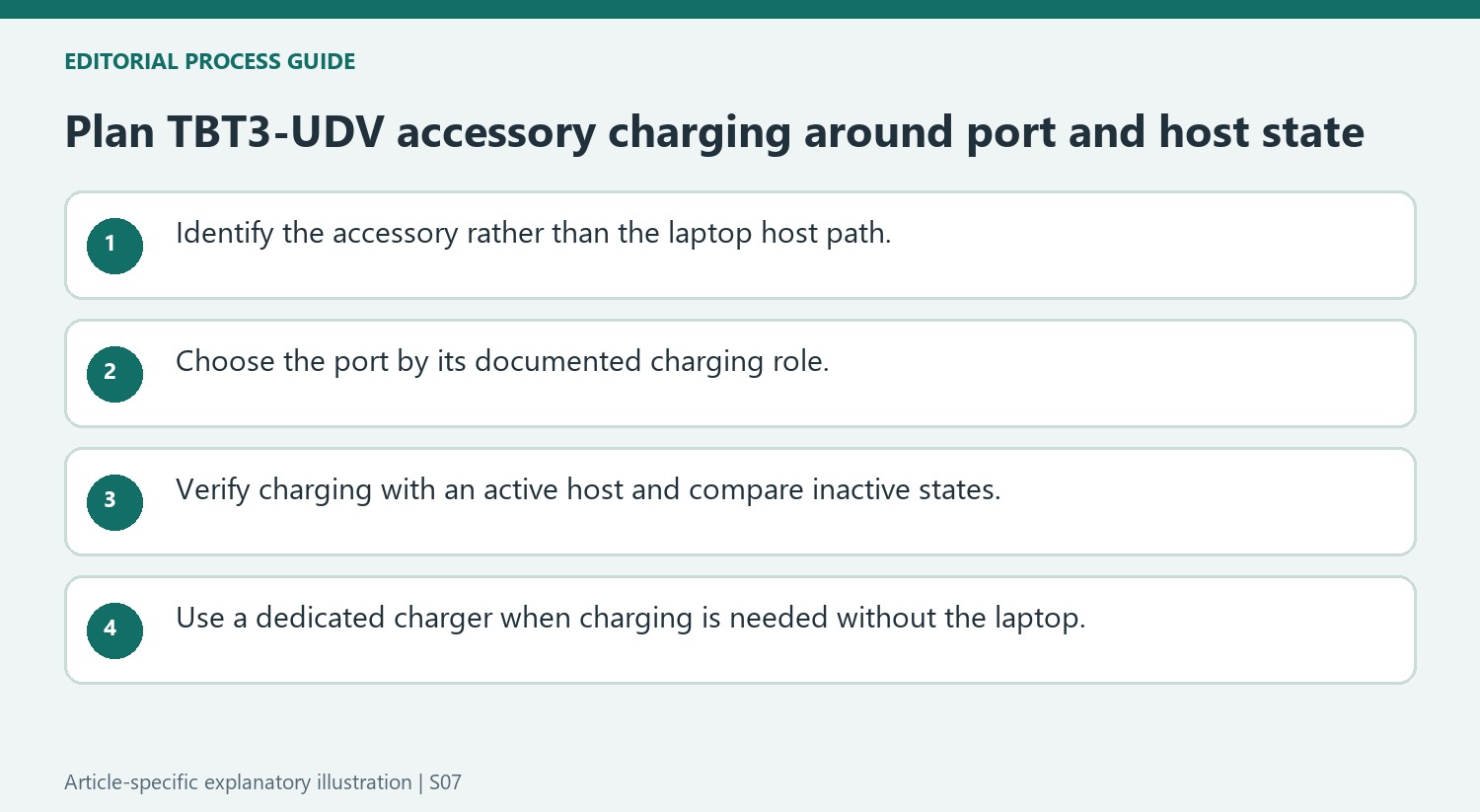
Identify which device each power figure concerns
Separate the laptop host-charging path from downstream charging of a phone or accessory. The source assigns different roles and outputs to the front and rear USB ports, while the Thunderbolt host connection addresses another task. A list of power numbers becomes useful only when the receiving device and intended port are clear.
For a small device, check the front port’s Battery Charging 1.2 support and the accessory’s compatible charging behavior. Its maximum does not promise that every connected device draws the full amount. The rear sockets have the standard output described for this dock and are not equivalent enhanced charging ports merely because the connector shape is shared. Keep the exact model in view when comparing another dock.
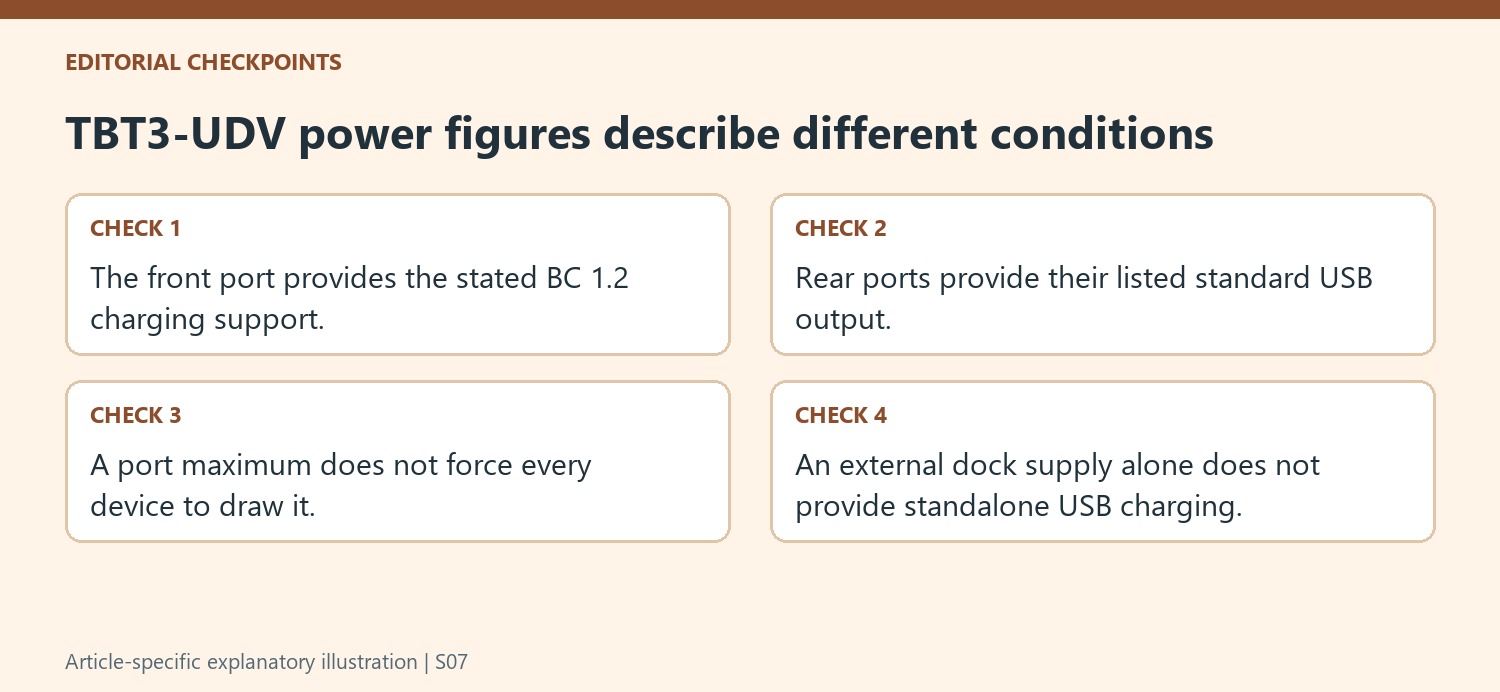
Include host state in the charging test
The article explains that downstream power depends on an active host connection. Observe whether charging changes when the laptop disconnects, powers off or sleeps, keeping the accessory and cable unchanged. That provides a direct comparison of the documented operating condition instead of treating the dock’s external supply as proof that its USB ports must remain active independently.
A phone moved among several inactive ports may show the same result without any port being defective. Confirm the host state before repeating that physical rearrangement. If charging works with the host active but stops under the stated inactive conditions, describe that behavior accurately rather than promising a driver update will necessarily turn the dock into an always-on standalone charging station.
Choose another supported power source for unattended charging
If the intended routine requires charging while the laptop is absent or asleep, use a suitable dedicated charger as the source recommends. Keep that power route distinct from the daytime dock arrangement and verify compatibility with the accessory. Retain the front-versus-rear port roles in the setup notes for ordinary desk use. This produces a charging plan based on the actual receiver, port allowance and host state, avoiding the assumption that a powered dock provides identical charging from every socket at every stage of the computer’s routine.
References
- Plugable Help Center. Plugable Knowledge Base.
The front USB port has a higher charging capability than the rear ports, but the dock needs an active host connection.


Leave a Comment
Comments (0)