
Keep a UD-3900 Replacement Cable Within Its Guidance
Identify the lead that connects the computer
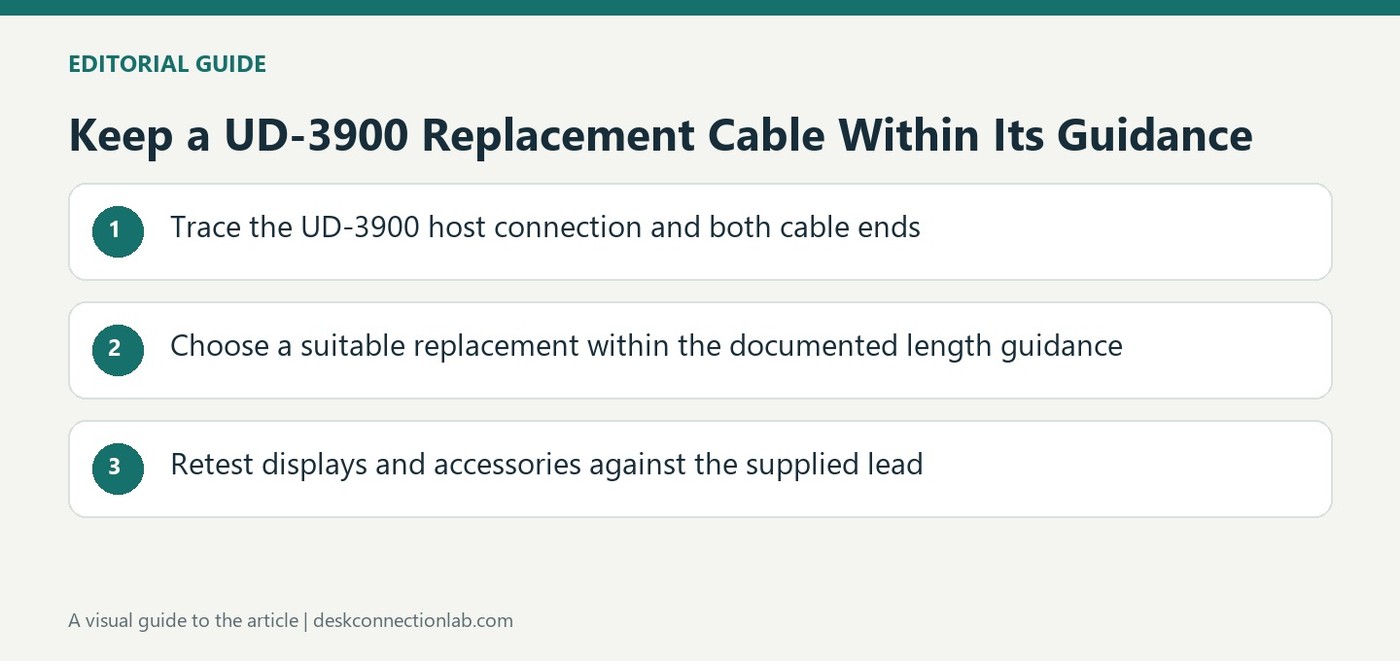
The UD-3900 support article concerns the cable joining the dock to its host computer, rather than the separate cables used by a monitor or another peripheral. Plugable describes a three foot lead supplied in the box, with hybrid host connectivity supporting USB-A and USB-C. Before replacing it, trace both ends and identify the dock's actual socket and the computer port that will be used. A product name containing USB-C does not establish that every end or function matches. The useful replacement is the one that fits the intended host data path with the required USB performance.
Treat the recommended length as a model limit
Plugable states that a replacement can be up to six feet overall and advises against longer leads because of potential performance issues. This is guidance for the documented dock setup, not a claim that every USB cable has one universal maximum length. Plan the desk around a direct route that stays within the recommendation instead of assuming extra reach is free of tradeoffs. Avoid judging suitability solely from appearance or the fact that a connector can be inserted. The source's third party examples are references to reported use, and Plugable explicitly does not guarantee every outside cable's compatibility or performance.
Preserve a useful troubleshooting comparison
Keep the supplied lead available when trying a replacement. If the dock behaves differently after the change, return to that known original arrangement before making several unrelated software or hardware adjustments. Record which lead and host port were used so the comparison is meaningful. Verify the intended displays and attached accessories after reconnecting rather than checking only whether the dock has power. A longer cable is a practical desk accessory, but it remains part of the data connection. Choosing within the vendor's documented guidance and testing the actual setup is more reliable than treating all matching USB leads as equivalent.
Trace the host lead rather than relying on similar product names
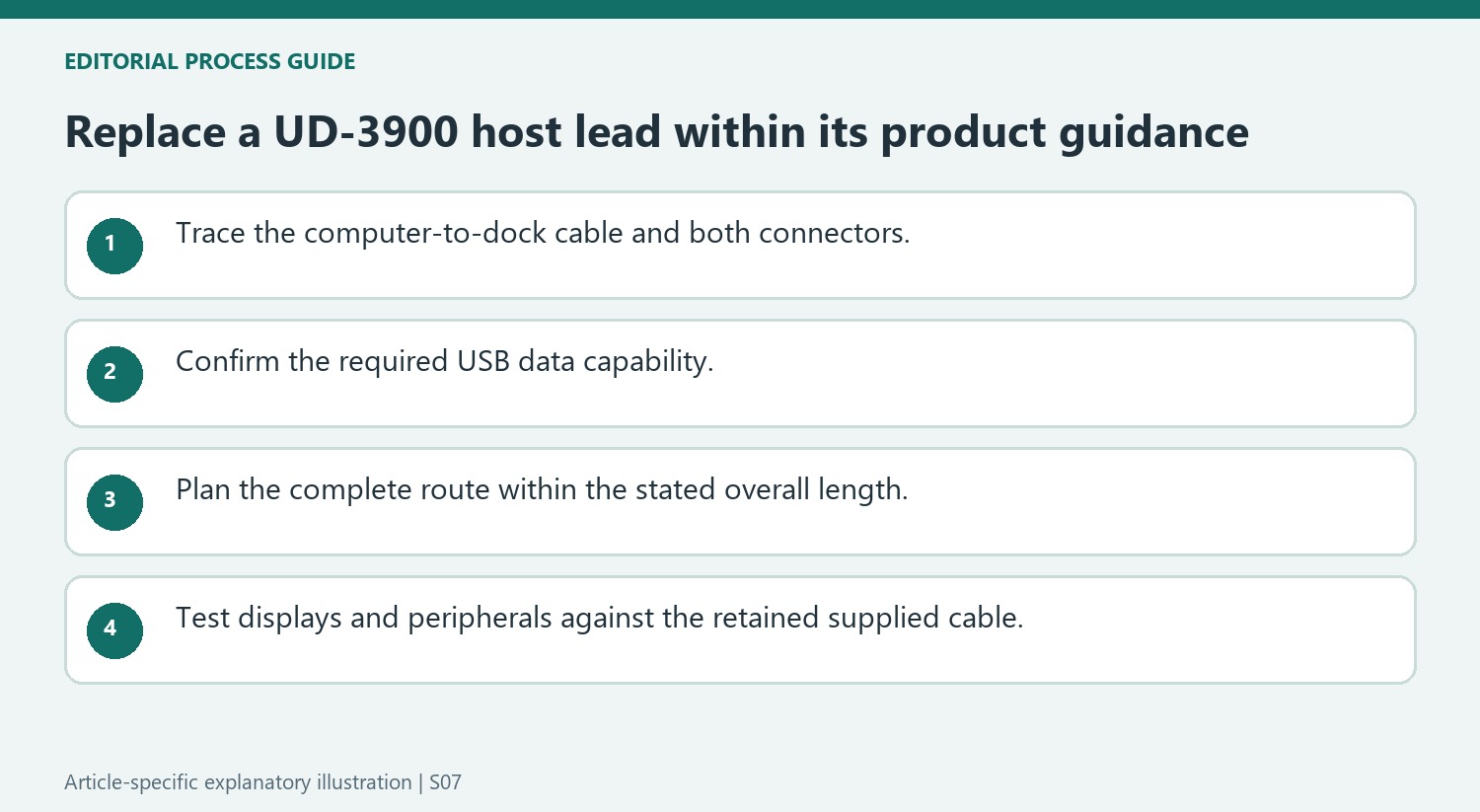
Identify the cable connecting the UD-3900 to the computer, separating it from monitor and accessory leads. Inspect both ends and the intended host port before choosing a replacement. The source describes hybrid host connectivity, but a listing containing USB-C does not establish that every connector or supported function matches the actual dock socket and computer arrangement.
Confirm the required USB data capability along with the mechanical fit. A lead intended for another task can appear suitable while failing to preserve the dock’s host link. Keep the model, connector roles and intended port in the purchase notes. This turns an ambiguous request for a longer USB cable into a specific replacement question that can be checked against the product guidance.
Apply the length recommendation to the overall path
The article describes a supplied three-foot cable and recommends replacement lengths no greater than six feet overall for this setup. Include the full route between computer and dock when planning the desk. A series of short joined segments should not be assumed equivalent to one suitable replacement or exempt from the stated overall recommendation.
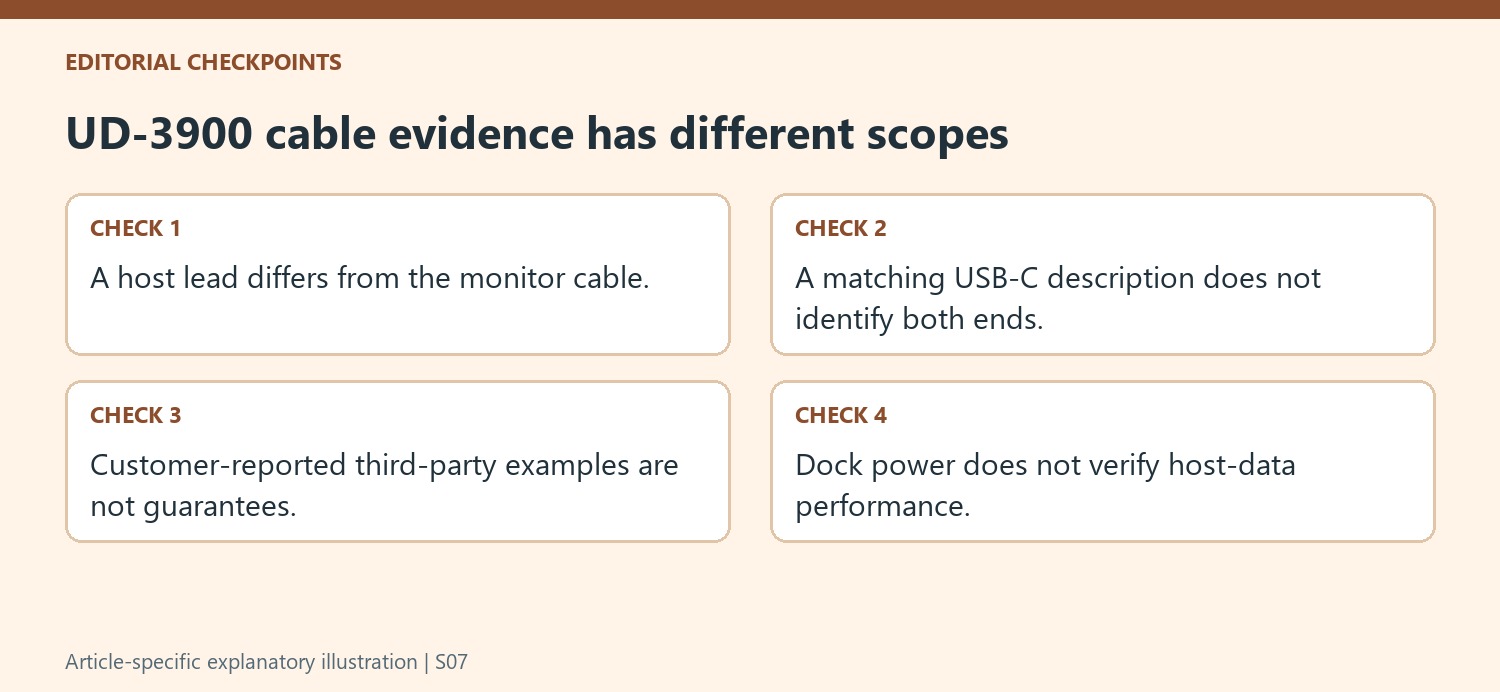
Treat customer-reported third-party examples as examples rather than manufacturer guarantees. Plugable explicitly limits what it guarantees for outside cables. Verify current specifications and the actual connector arrangement instead of purchasing solely from an older link or photograph. The relevant goal is a suitable host-data connection within the documented setup, not proof that all USB cables share one universal maximum length.
Keep the supplied cable as an interpretable fallback
After installing the replacement, check the intended monitors and peripherals through their ordinary tasks. Power at the dock does not establish that the host data path performs correctly. If behavior changes, return to the supplied cable and known port before adjusting unrelated drivers or display settings. Record the cable and port used in each comparison so the outcome is reproducible. A longer lead can improve placement, while retaining that baseline makes it easier to identify whether the changed connection affects the workstation without losing sight of the model-specific support guidance.
References
- Plugable Help Center. Plugable Knowledge Base.
Plugable recommends a suitable USB 3 host lead no longer than six feet for the UD-3900 and does not guarantee third party cables.


Leave a Comment
Comments (0)