
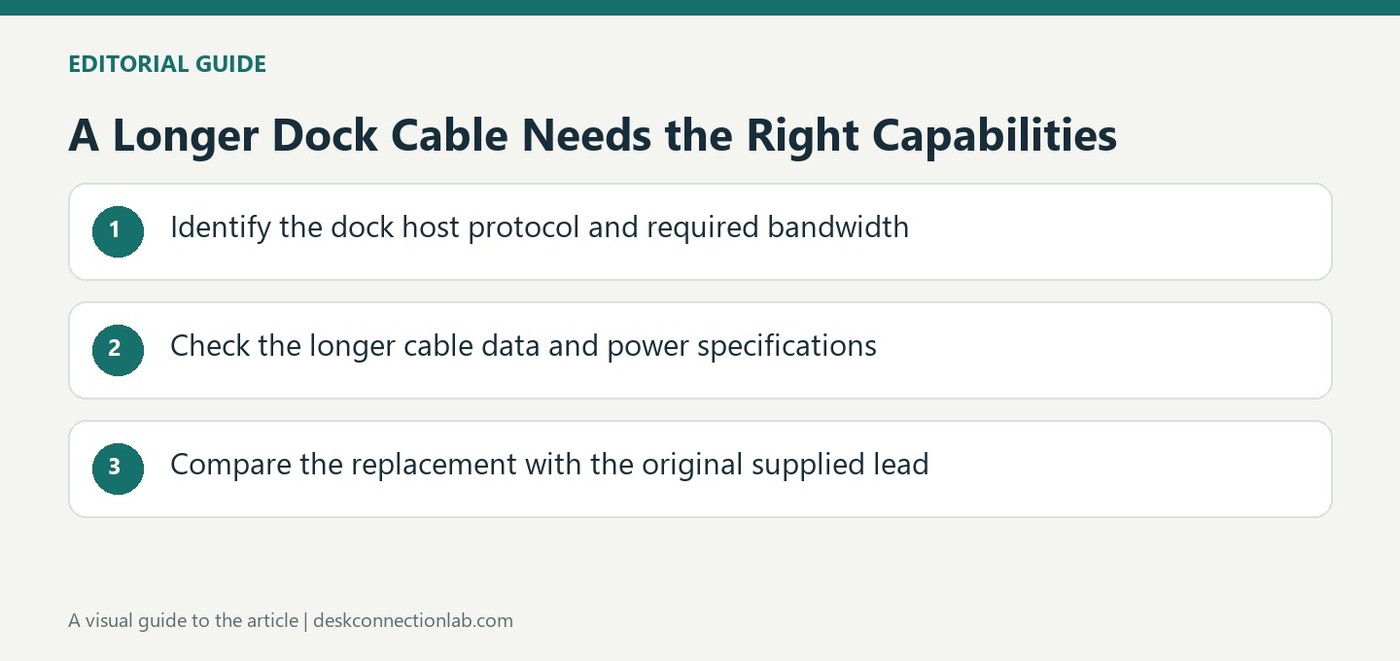
A Longer Dock Cable Needs the Right Capabilities
Keep the advice tied to the documented setup
Plugable's longer cable article distinguishes Thunderbolt 3 hosts from systems using a USB-C data connection without Thunderbolt. Its examples include different cable technologies and lengths suited to those paths. Some length statements reflect the products and recommendations described when the article was written, rather than defining every cable available today. Use the current dock and cable specifications for a new purchase. The durable lesson is that adding reach changes a component in the connection path. A lead with matching ends does not necessarily preserve the performance or charging features of the cable originally supplied with the dock.
Check data capability before extending the desk layout
The source discusses active Thunderbolt cables for longer high bandwidth connections and a suitable high speed USB cable for the relevant USB-C host case. These are different choices, not interchangeable descriptions of one universal extension. Identify the required protocol and performance level before rearranging the desk around a longer route. Check whether the cable supports the dock's actual display and peripheral configuration as well as the connector type. If the original supplied cable works but a replacement does not, that comparison is useful evidence. It narrows attention to the changed part without proving that every cable of the same length will behave alike.
Read charging current separately
Plugable also distinguishes cable current requirements for docks providing up to sixty watts and those providing higher host charging levels. The cable needs the rating required by the complete power arrangement, not merely enough bandwidth for data. Confirm the current product's documented requirements rather than treating a high speed label as a power certification. A longer route should be planned with both roles in mind when one cable carries them together. Choose a documented compatible lead, preserve the supplied cable for comparison and verify the intended functions after the change before assuming the whole dock setup remains equivalent.
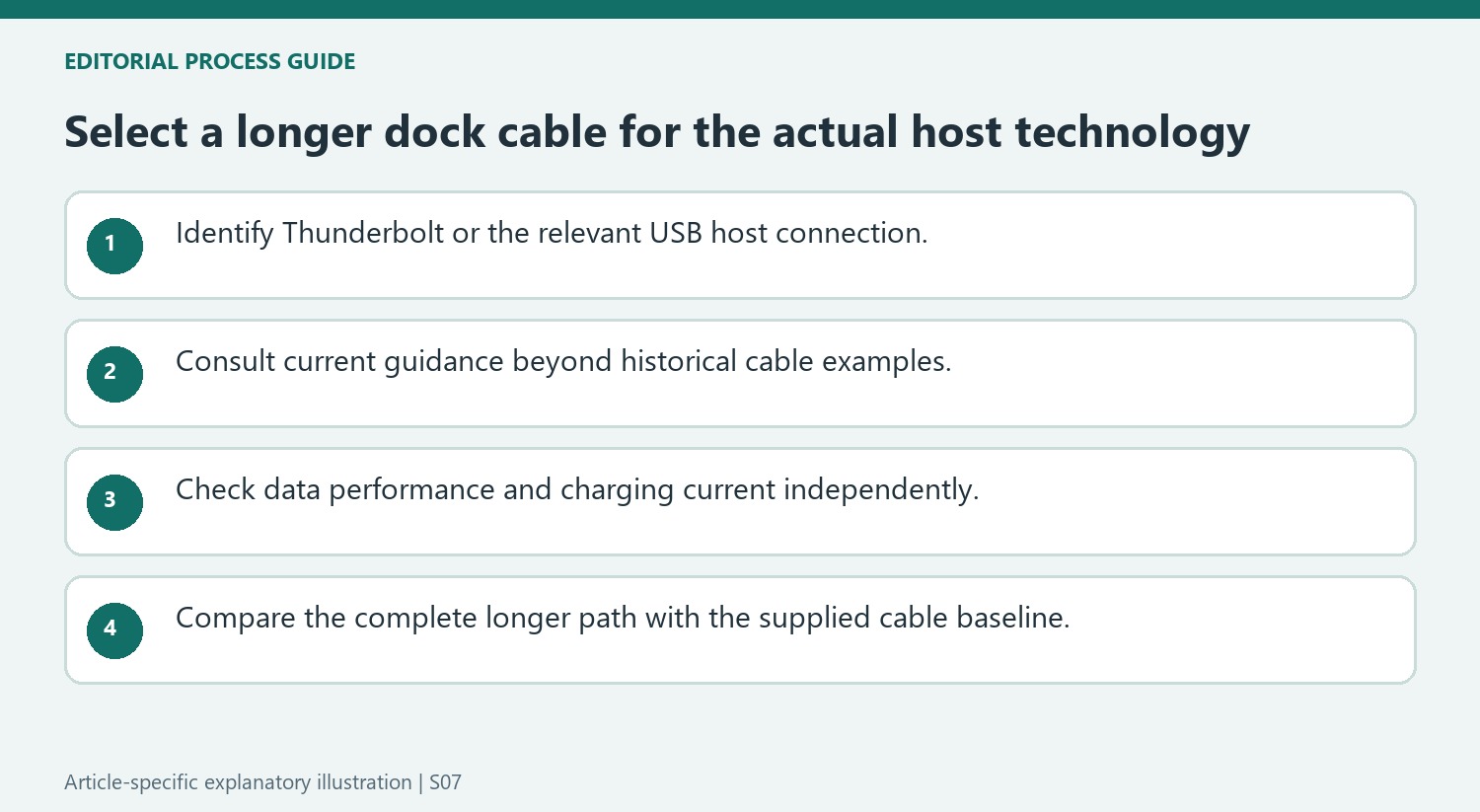
Identify the protocol before applying an older cable example
The source distinguishes Thunderbolt 3 hosts from USB-C-only host connections and supplies examples appropriate to those paths. Preserve that distinction when reading its cable lengths and active-cable discussion. Some statements describe what was available at the time of the article, so they should not be rewritten as timeless limits for every current certified cable.
For a new purchase, consult the current dock and cable guidance and identify the required host capability. A cable with the correct physical ends is only one part of the connection. The relevant question is whether that particular cable supports the protocol, data performance and other functions required by the complete arrangement, including any display configuration carried through the dock.
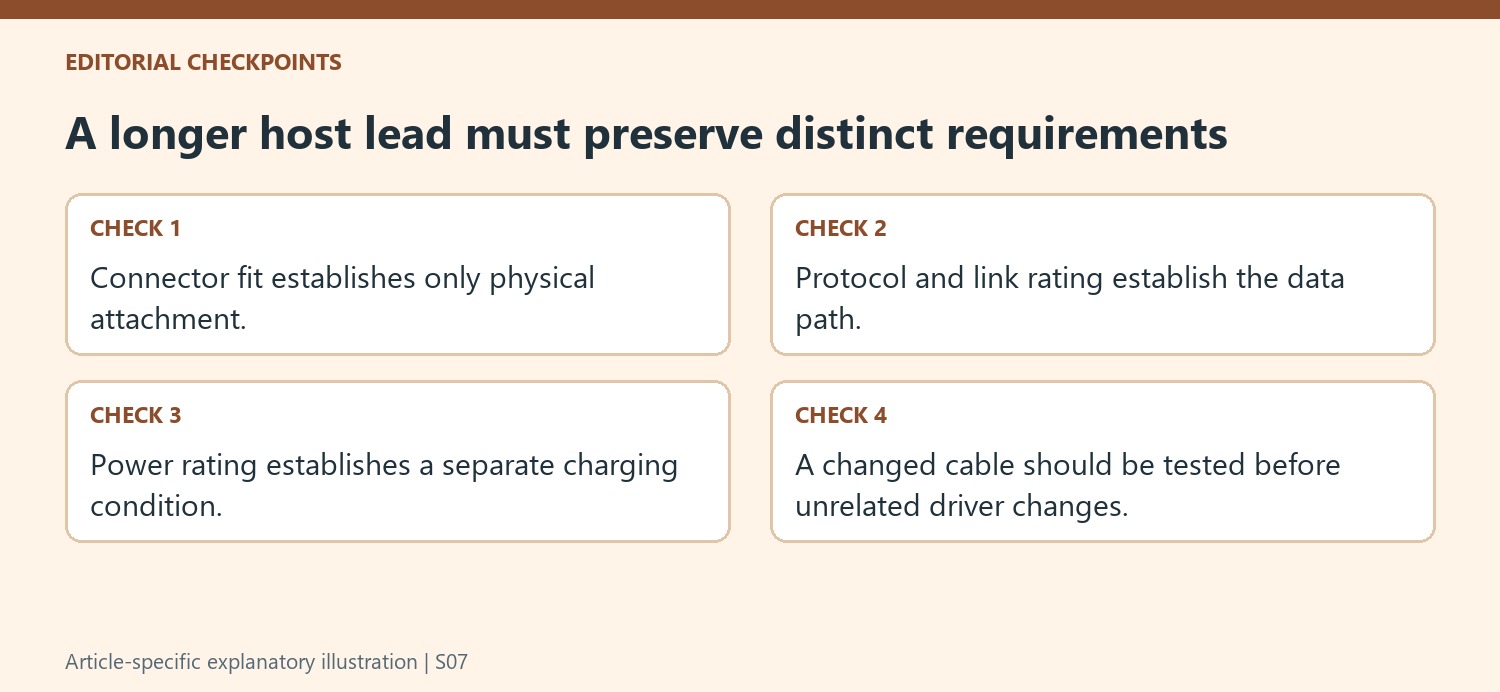
Keep data bandwidth and charging support as separate checks
The article’s examples distinguish cables for high-bandwidth Thunderbolt use from a suitable USB host-data path. Do not use one example as a universal replacement recommendation for the other. Compare the actual host and dock requirements with the proposed cable, and retain the original cable model where possible for an informed reference.
Check current rating as well as data capability when the host lead also carries charging power. A high-speed label does not by itself establish the cable’s supported power arrangement. The source describes different current requirements for its stated charging levels, illustrating that a cable must satisfy both roles. Use the complete current product specification rather than inferring power from a bandwidth number or bandwidth from a charging description.
Verify the longer route without changing every other variable
Measure the intended desk path, choose an appropriate supported replacement and test the original screen and accessory tasks. Keep the host port and downstream equipment unchanged during comparison. If the original lead works while the replacement does not, record that difference before reinstalling software. It focuses attention on the changed path without proving a universal rule about every cable of that length. This preserves the practical lesson of the older guide: additional reach is useful only when the replacement maintains the functions required by the installed setup.
References
- Plugable Help Center. Plugable Knowledge Base.
Plugable's cable guidance separates data performance, active cable requirements and current rating for the intended dock connection.


Leave a Comment
Comments (0)