
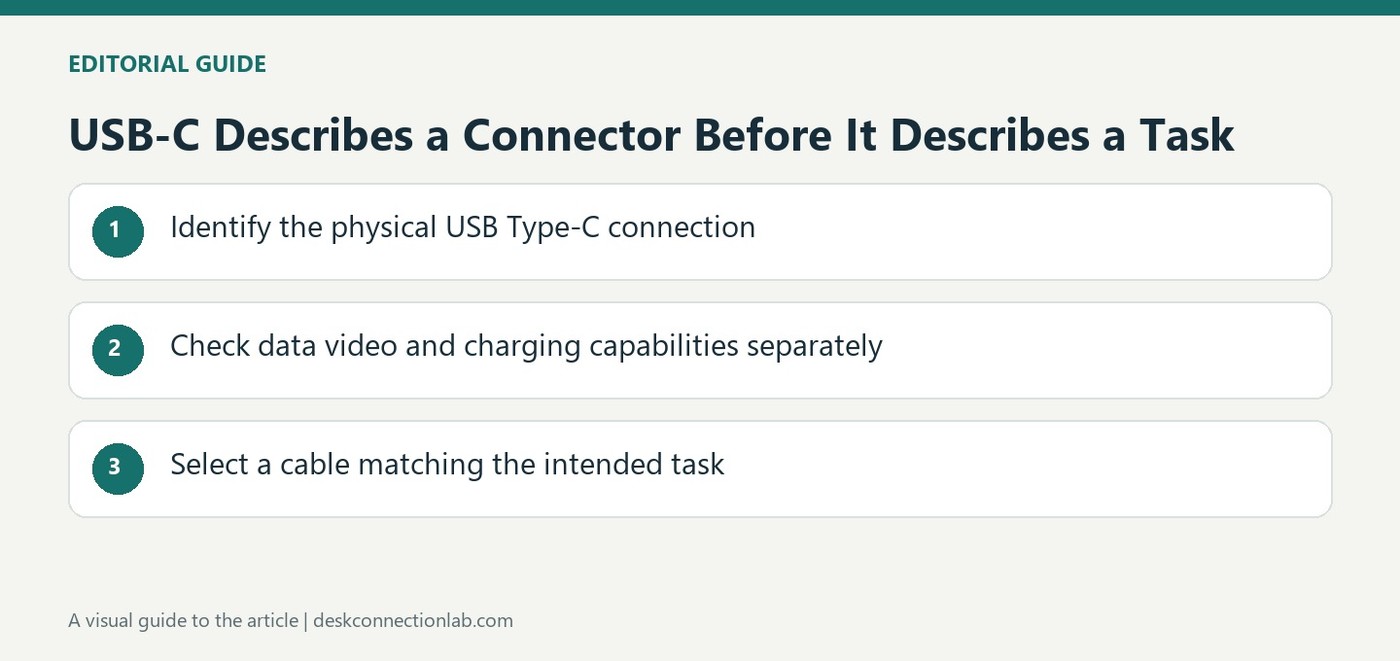
USB-C Describes a Connector Before It Describes a Task
Understand why the connector was developed
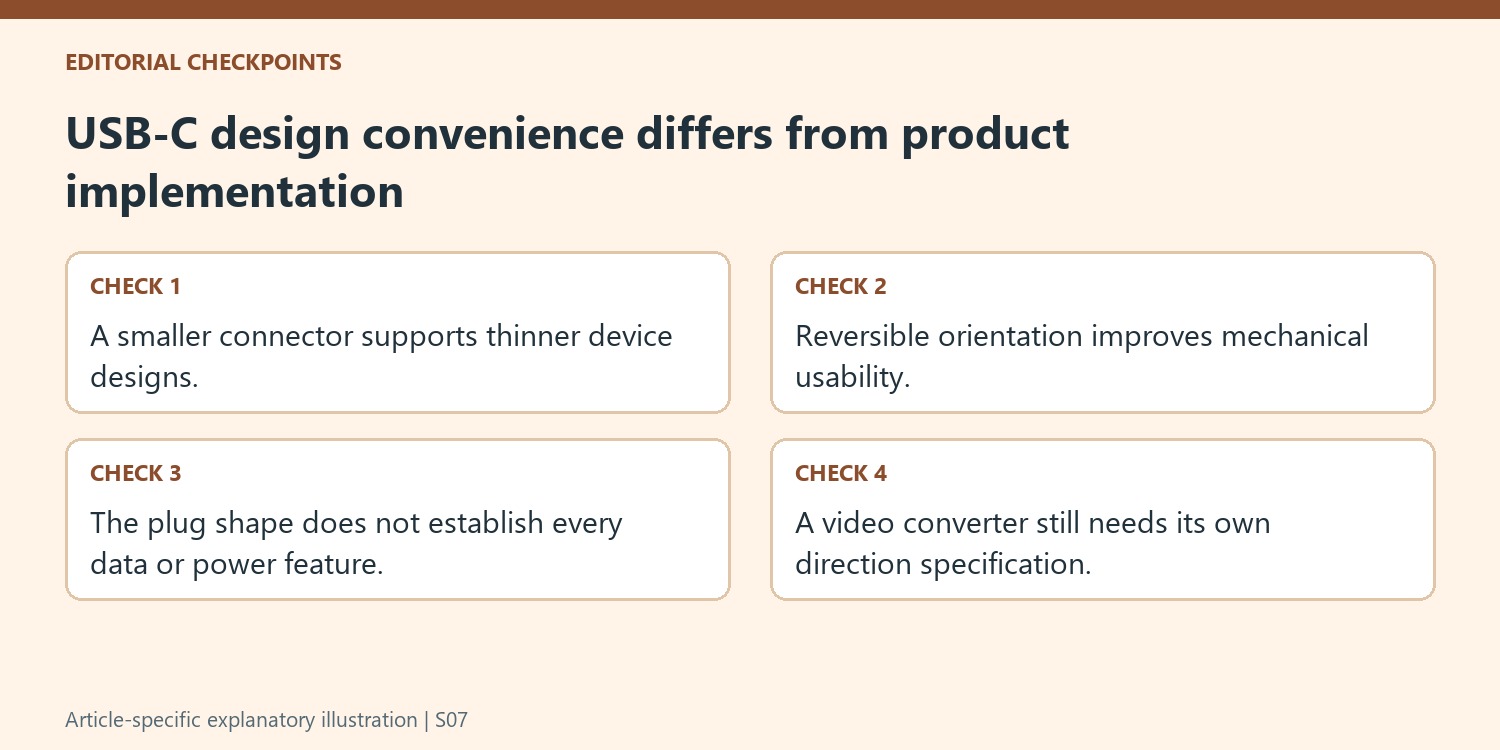
USB Implementers Forum describes USB Type-C as a response to smaller and thinner devices whose designs were constrained by older connector sizes. The specification establishes a connector ecosystem intended to retain USB's functional benefits while improving usability for newer platforms. That design context helps distinguish the physical interface from a particular accessory's advertised speed or charging power. A smaller socket can appear on several kinds of computer and portable device, but its presence alone is not a complete description of what an individual product implements. Start with the connector, then check the functions documented for the actual port.
Use reversibility without assuming identical capabilities
The USB-IF key messages include reversible plug orientation and cable direction, removing some of the mechanical inconvenience associated with older plugs. This convenience is separate from the performance of the cable or equipment. Two leads that fit the same sockets can still have different supported power or data features. Likewise, a computer can have several similar looking ports with distinct roles. Identify the intended host connection when adding a dock or display, and read its documentation rather than assuming any matching opening will provide every advertised function. Physical fit is the first connection check, not the final compatibility result.
Read product claims as distinct specifications
The source describes scalable power and performance as part of the connector ecosystem. For an actual purchase, keep those categories separate: determine the required data connection, any display capability and the charging arrangement independently. USB-IF also maintains compliance and logo requirements, making accurate product language relevant to how capabilities are communicated. Use clear ratings and supported functions in a product listing instead of relying only on a USB-C label. This approach makes it easier to compare accessories and to understand why a cable can charge a device successfully while still being unsuitable for a different task in the same setup.
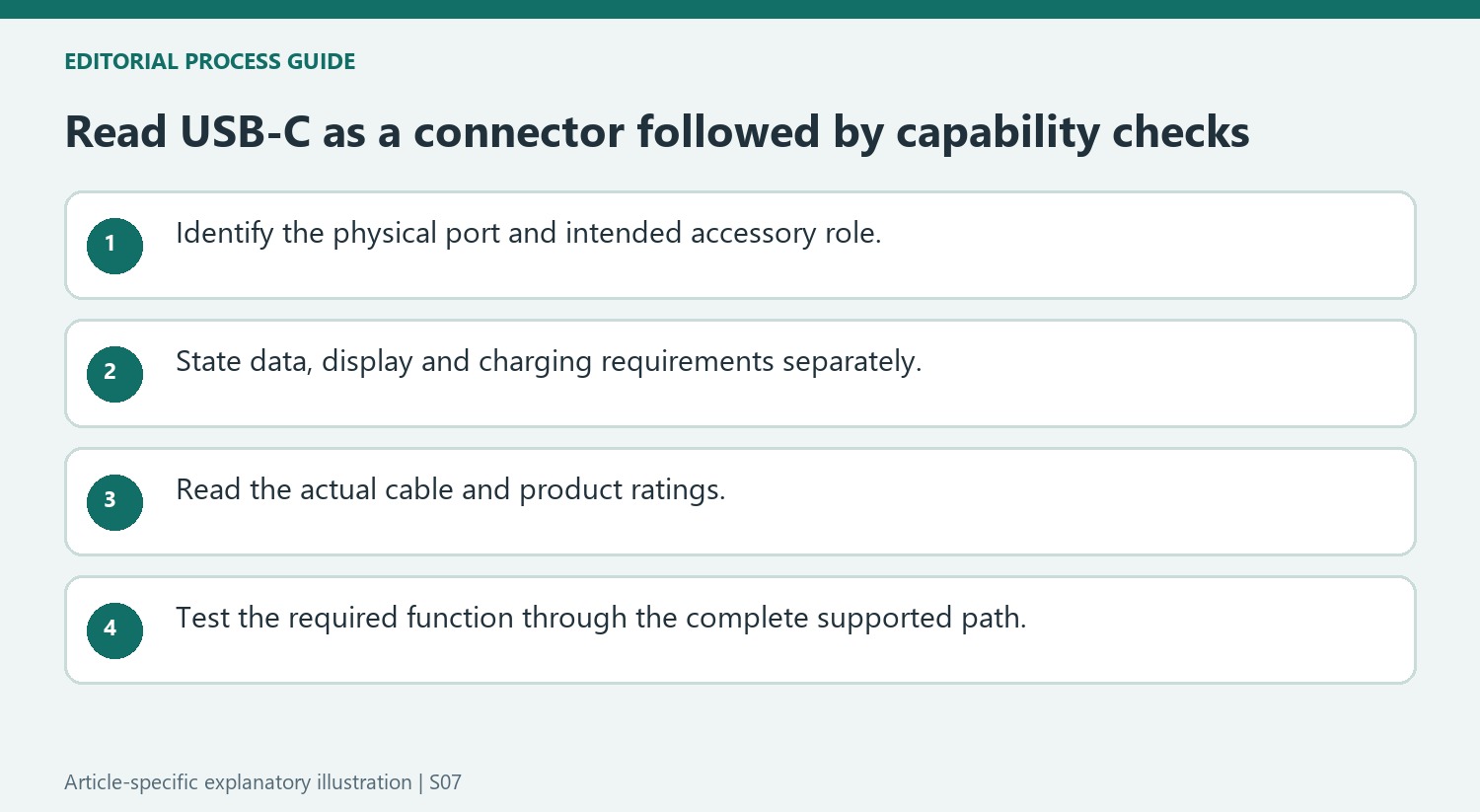
Separate mechanical convenience from implemented functions
The USB-IF explanation begins with device design: thinner products needed a connector ecosystem suited to their physical constraints and evolving use. That context helps explain the shape without turning it into a complete performance specification. A small reversible plug can improve everyday connection while the products at either end still implement different data, power and display functions.
Reversible orientation reduces the need to inspect which face of a plug is up. It does not mean every cable with those ends has identical electronics or supported performance. Likewise, cable-direction convenience in the connector discussion should not be treated as a guarantee that an adapter between different video standards performs conversion in either direction. Check the functional description of the actual accessory separately from the mechanical connector feature.
Write requirements as individual questions
For a dock, determine the required host data link, display path and charging arrangement independently. For a replacement cable, compare the functions it must preserve with its documented ratings. This avoids using a successful charging test as evidence of high-speed data or video support that was never checked.
Identify port roles on the computer as well as the accessory. Several USB-C sockets can have different capabilities or assigned purposes, so a convenient opening is not automatically the intended host or supply connection. Keep the specific port in the setup record and follow the manufacturer’s diagram. Clear roles make it easier to explain why a cable can work in one task but be inappropriate for another.
Compare product language with the intended task
USB-IF’s compliance and packaging guidance reinforces the value of precise capability descriptions. Look for supported functions and relevant ratings instead of a USB-C label used as the entire specification. After selecting the complete arrangement, test the display, data or power task actually required and retain the exact products as a reference. The connector is the beginning of compatibility assessment: its design solves physical usability needs, while the implementation and documented capabilities determine what the connected system can do.
References
- USB Type-C® Cable and Connector Specification. USB Implementers Forum.
USB-IF's connector guidance explains the move toward a smaller reversible interface, while product features still need separate checks.


Leave a Comment
Comments (0)