
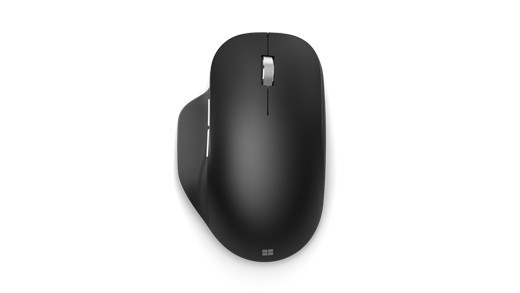
Prepare Power and Input Devices for Closed-Lid Docking
A Windows laptop can go to sleep when its lid closes even while connected to a dock. Plugable recommends providing power, an external monitor, and an external keyboard and mouse before enabling closed-lid operation. The dock can supply power only if its host charging and the laptop are compatible.
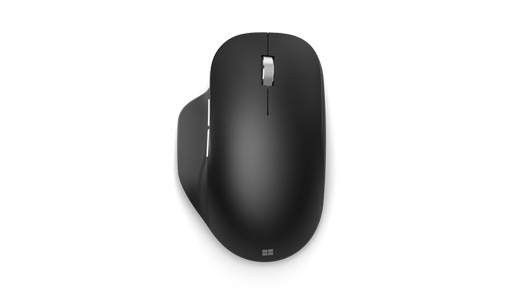
Change the plugged-in lid action to Do Nothing using the instructions for the installed Windows release. Newer Windows 11 versions expose different controls from older ones. Test the complete setup with the lid open first, then verify closed-lid behavior so a power-policy change is not confused with a display connection failure.
Keeping external screens active requires a suitable Windows lid setting and a powered laptop.


Leave a Comment
Comments (0)