
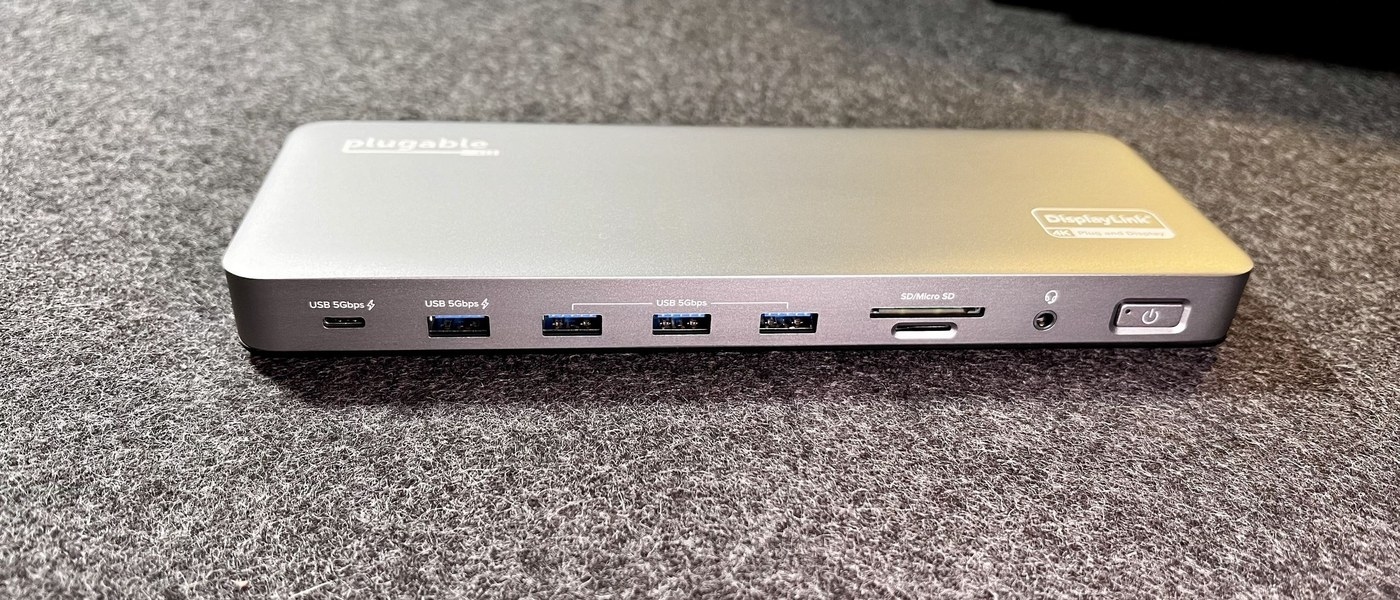
Understand docking station charging power: Read USB Power Delivery ratings correctly
Understand docking station charging power
Compare the power a dock can deliver to the computer with the laptop's charging requirement. The external adapter's total wattage also supports the dock and peripherals, so it may exceed the host allowance. USB Power Delivery support must be considered across the supply, cable, dock and computer.
Power is negotiated for the application
USB-IF explains that Power Delivery allows more flexible power alongside data over a cable. The specification supports different power levels and directions, allowing a powered monitor, for example, to supply a laptop while receiving its video. This makes power capability a separate question from the presence of a USB data connection.
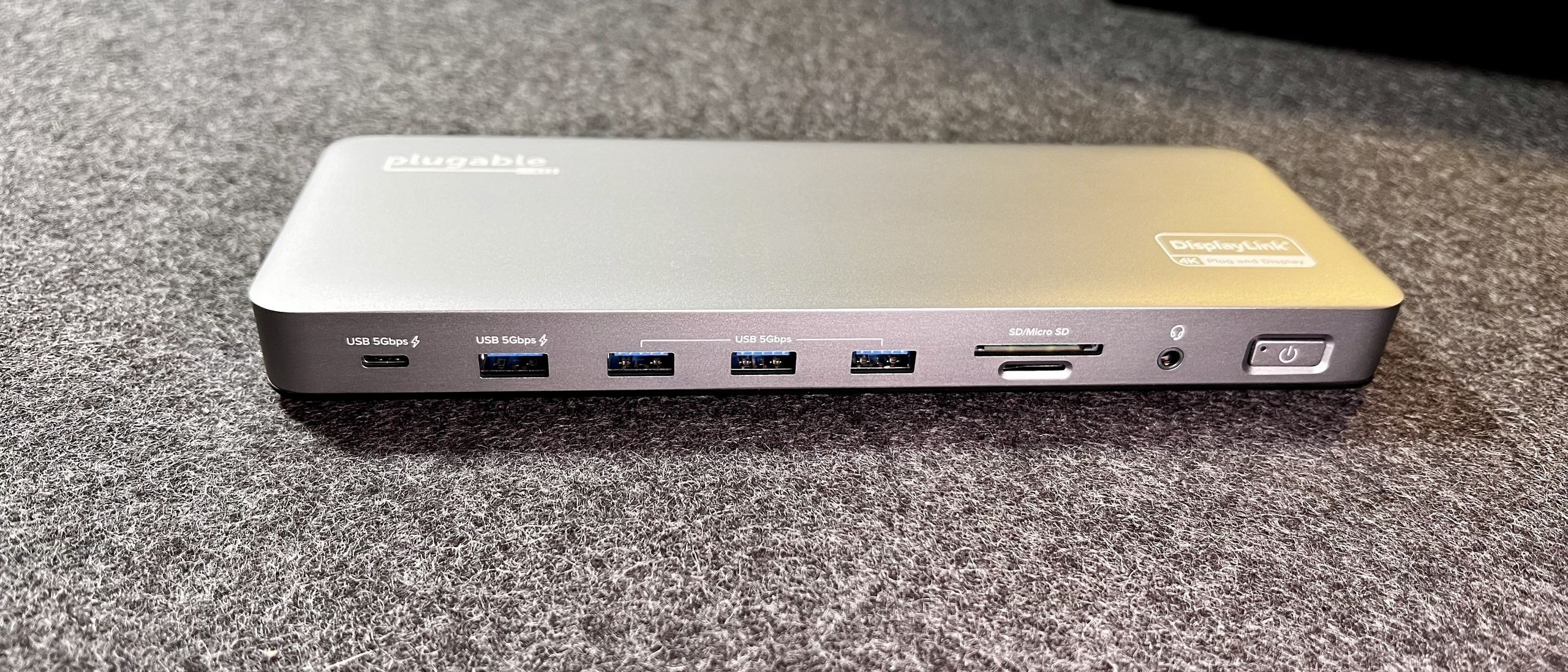
Match the charger cable and device
USB PD Revision 3.1 introduced support up to 240W with the appropriate USB Type-C cable and connector requirements. That is a specification ceiling, not a universal output from every USB-C charger. The powered device, supply and cable must support the required arrangement. For a dock, check host charging output and the needs of attached peripherals rather than assuming the power adapter's entire rating reaches the laptop.
USB-IF explains that Power Delivery allows more flexible power alongside data over a cable. Compare the power a dock can deliver to the computer with the laptop's charging requirement.


Leave a Comment
Comments (0)