
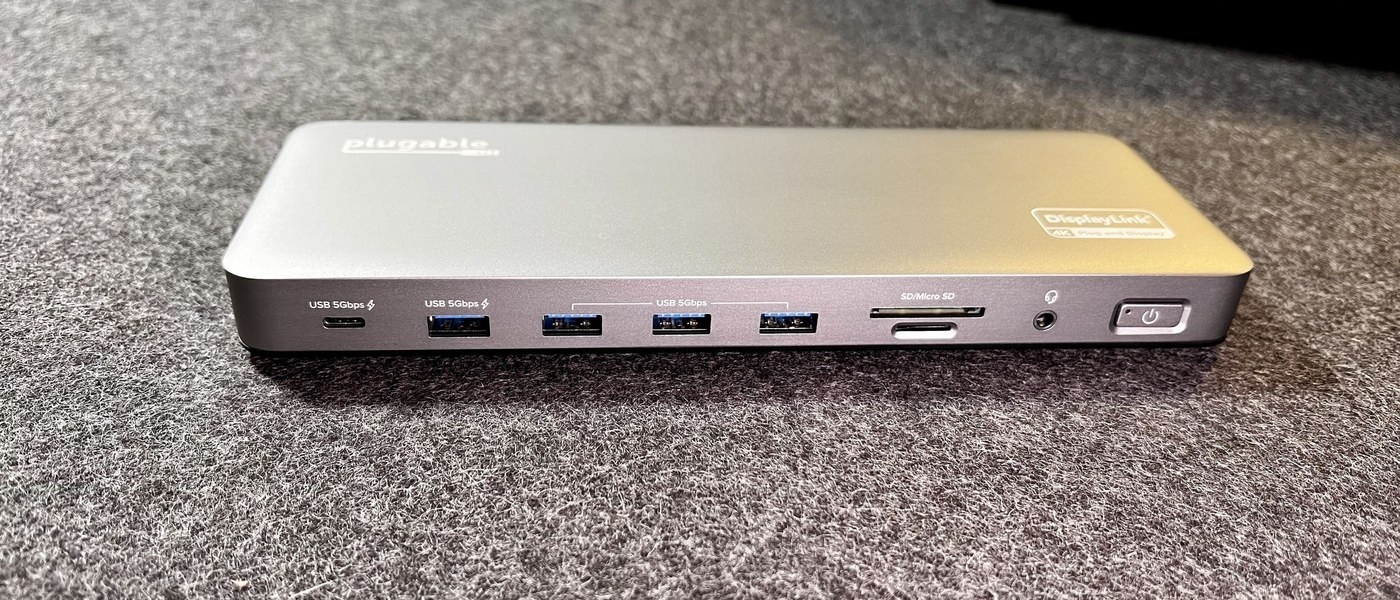
Understand docking station charging power: Choose sufficient USB-C charging power
Understand docking station charging power
Compare the power a dock can deliver to the computer with the laptop's charging requirement. The external adapter's total wattage also supports the dock and peripherals, so it may exceed the host allowance. USB Power Delivery support must be considered across the supply, cable, dock and computer.
Match the charger to the Surface
Microsoft recommends the designed Surface power supply or a USB-C Power Delivery charger with the recommended wattage for the specific model. A lower-powered charger, or a USB-A charger connected through a USB-A-to-USB-C cable, may charge slowly or fail to charge. Such a setup does not provide the intended Fast Charging experience.
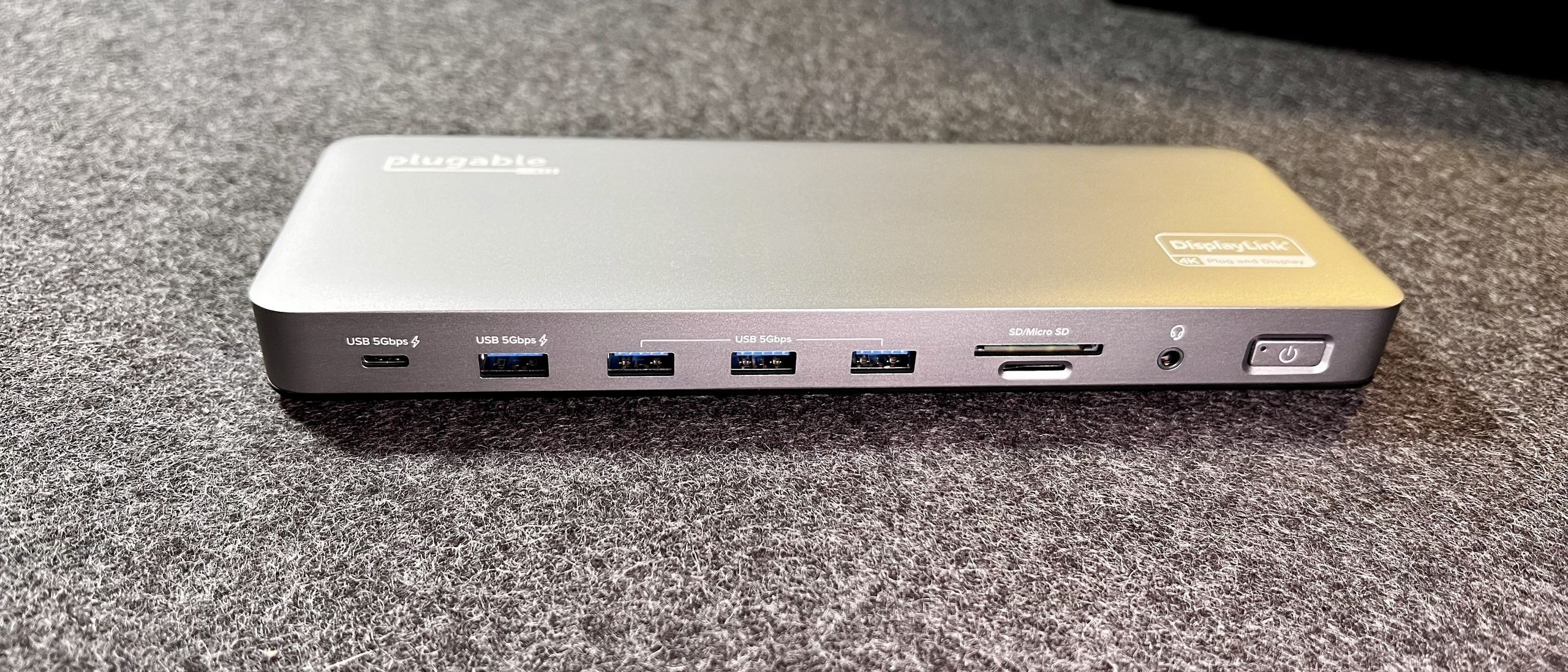
Keep model exceptions visible
Surface Studio models mentioned in the guide do not accept inbound power through their USB-C ports. Connecting both Surface Connect and USB-C charging also does not combine their power; the Surface Connect supply takes priority. Fast Charging depends on adequate power, a supported device and suitable temperature, so a USB-C connector or a large charger label alone is not a guarantee.
Microsoft recommends the designed Surface power supply or a USB-C Power Delivery charger with the recommended wattage for the specific model. Compare the power a dock can deliver to the computer with the laptop's charging requirement.


Leave a Comment
Comments (0)