
Move USB 3.0 Docking Away From Sensitive Wireless Links
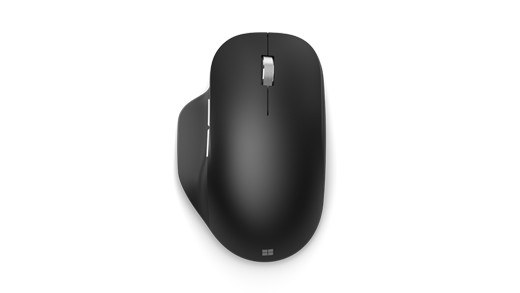
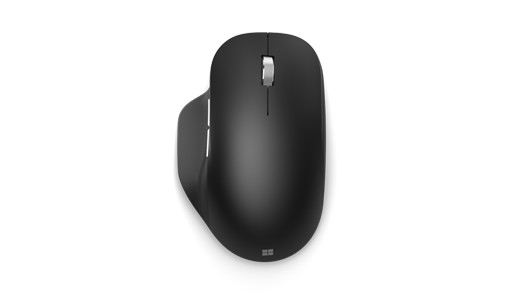
Plugable explains that USB 3.0 connections can generate radio-frequency interference affecting nearby Wi-Fi equipment or wireless keyboard and mouse receivers. The behavior is not unique to its docking stations. A newly unreliable wireless connection can therefore be related to positioning around the dock rather than a failed network adapter.
Its initial suggestions include moving the dock farther from the computer or router and trying a USB port on the opposite side of the laptop. These changes increase separation between signals. Test placement before replacing hardware, and consider any performance tradeoff before deliberately switching the dock to a slower USB connection.
Radio interference can affect Wi-Fi and wireless input receivers without indicating a defective dock.


Leave a Comment
Comments (0)