
Compare USB-C and Thunderbolt docking: Compare bus-powered expansion with a powered dock
Compare USB-C and Thunderbolt docking
A dock's USB-C connector does not identify all of its supported protocols. Compare the host requirement, display arrangement, accessory bandwidth and charging allowance. A Thunderbolt dock may operate differently on another USB-C host, so use the compatibility table before paying for capabilities the laptop cannot provide.
Identify the source of power
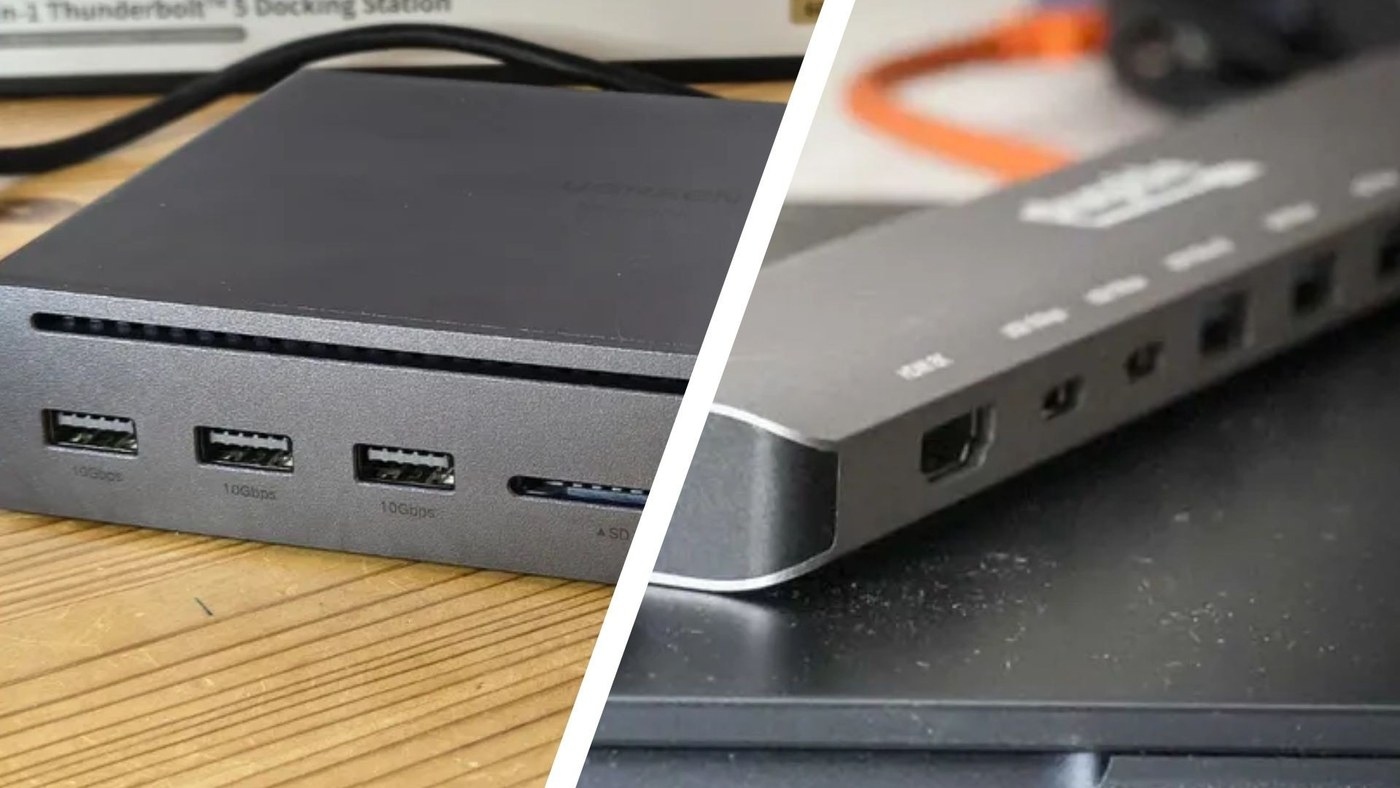
TechRadar's hub-versus-dock guide explains that a small hub commonly takes its operating power from the computer, while a desktop docking station often has a dedicated supply. The article also notes that some USB hubs accept external power. That exception matters: hub and dock labels alone do not establish how much power is available to connected devices.
Match expansion to the workload
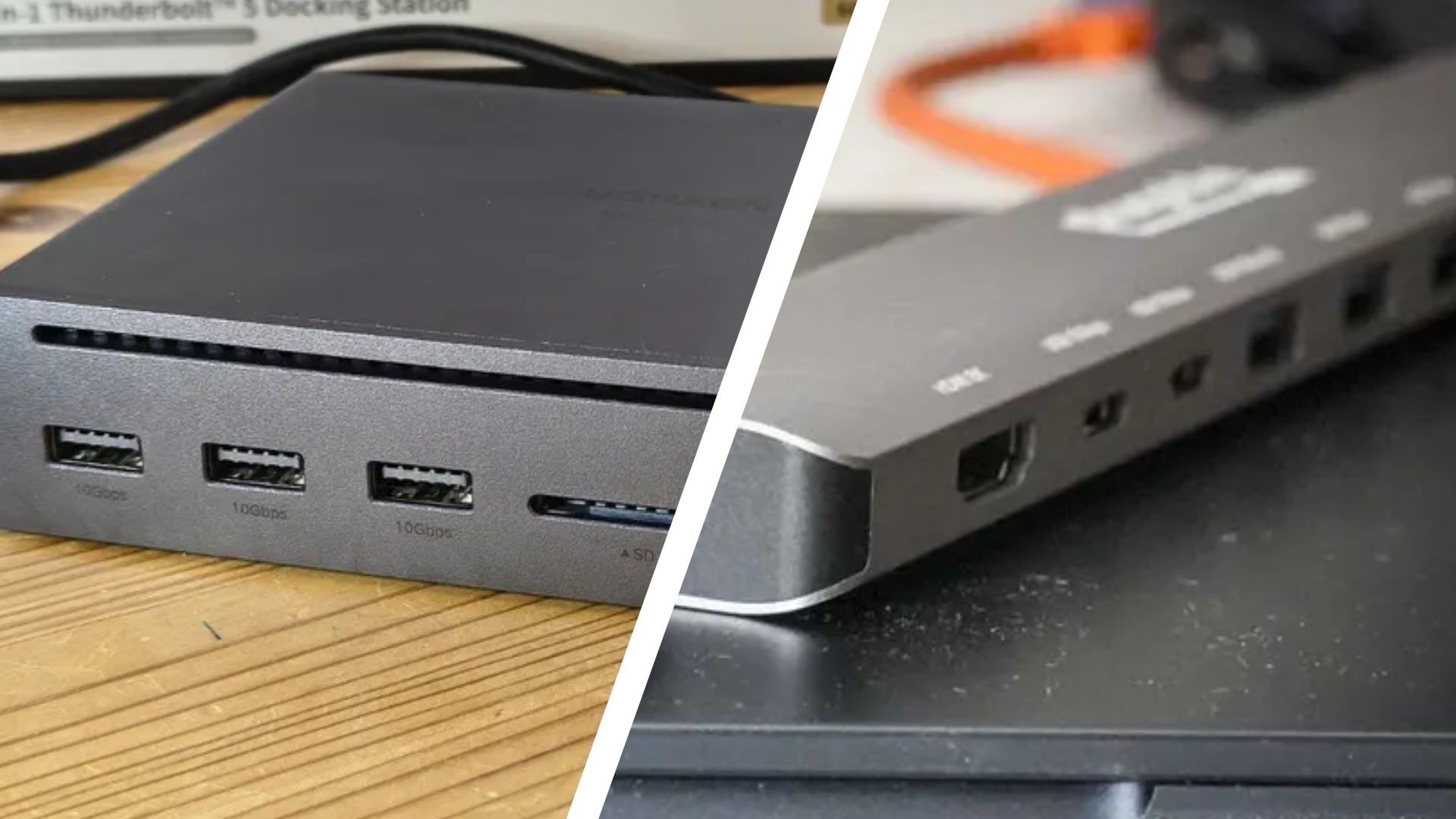
A few low-power accessories may need little more than additional USB ports. A desk setup with displays, networking and charging needs closer scrutiny of the product's port list and supply. Check the actual model's specifications instead of treating the guide's broad speed or monitor comparisons as rules for every product; capabilities vary substantially within both categories.
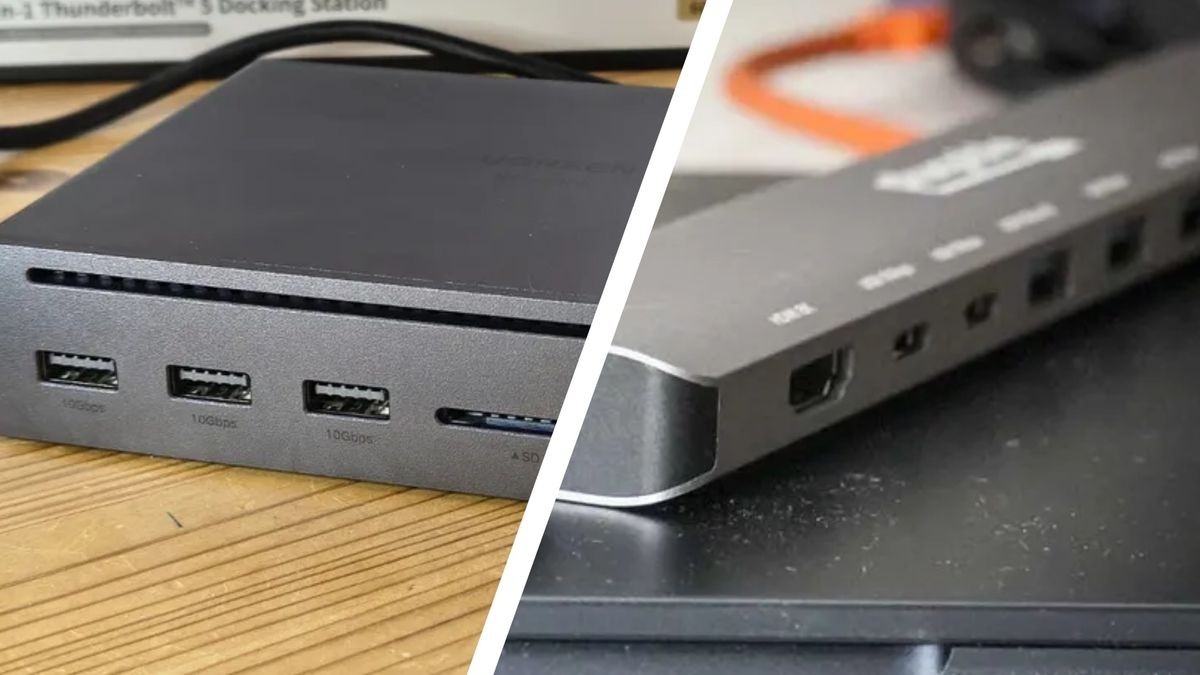
TechRadar's hub-versus-dock guide explains that a small hub commonly takes its operating power from the computer, while a desktop docking station often has a dedicated supply. A dock's USB-C connector does not identify all of its supported protocols.


Leave a Comment
Comments (0)