
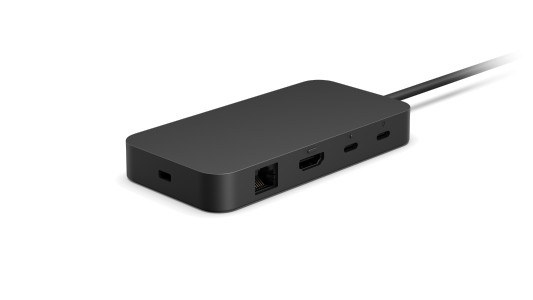
Compare USB-C and Thunderbolt docking: Identify the dock before comparing features
Compare USB-C and Thunderbolt docking
A dock's USB-C connector does not identify all of its supported protocols. Compare the host requirement, display arrangement, accessory bandwidth and charging allowance. A Thunderbolt dock may operate differently on another USB-C host, so use the compatibility table before paying for capabilities the laptop cannot provide.
Read the model rather than the connector alone
Microsoft's dock identification guide separates several generations with different host connections and port combinations. A Surface Connect dock and a USB-C dock are not interchangeable merely because both add desktop accessories. Knowing the exact dock model makes its compatibility table, power supply and display specifications meaningful.
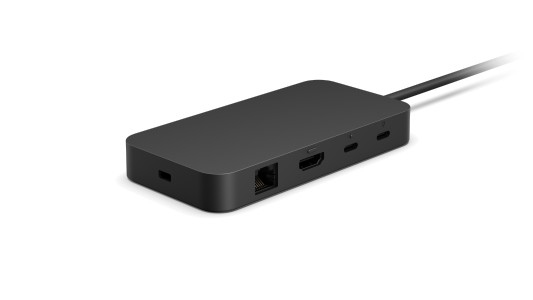
Compare the ports that matter
List the displays, USB accessories, network connection and charging requirement that the dock must support. Then compare those needs with the identified product's features. This avoids applying instructions for a newer Thunderbolt or USB4 dock to an older Surface Dock. Model identification is also the first step before choosing firmware updates or a replacement power supply.
Microsoft's dock identification guide separates several generations with different host connections and port combinations. A dock's USB-C connector does not identify all of its supported protocols.


Leave a Comment
Comments (0)