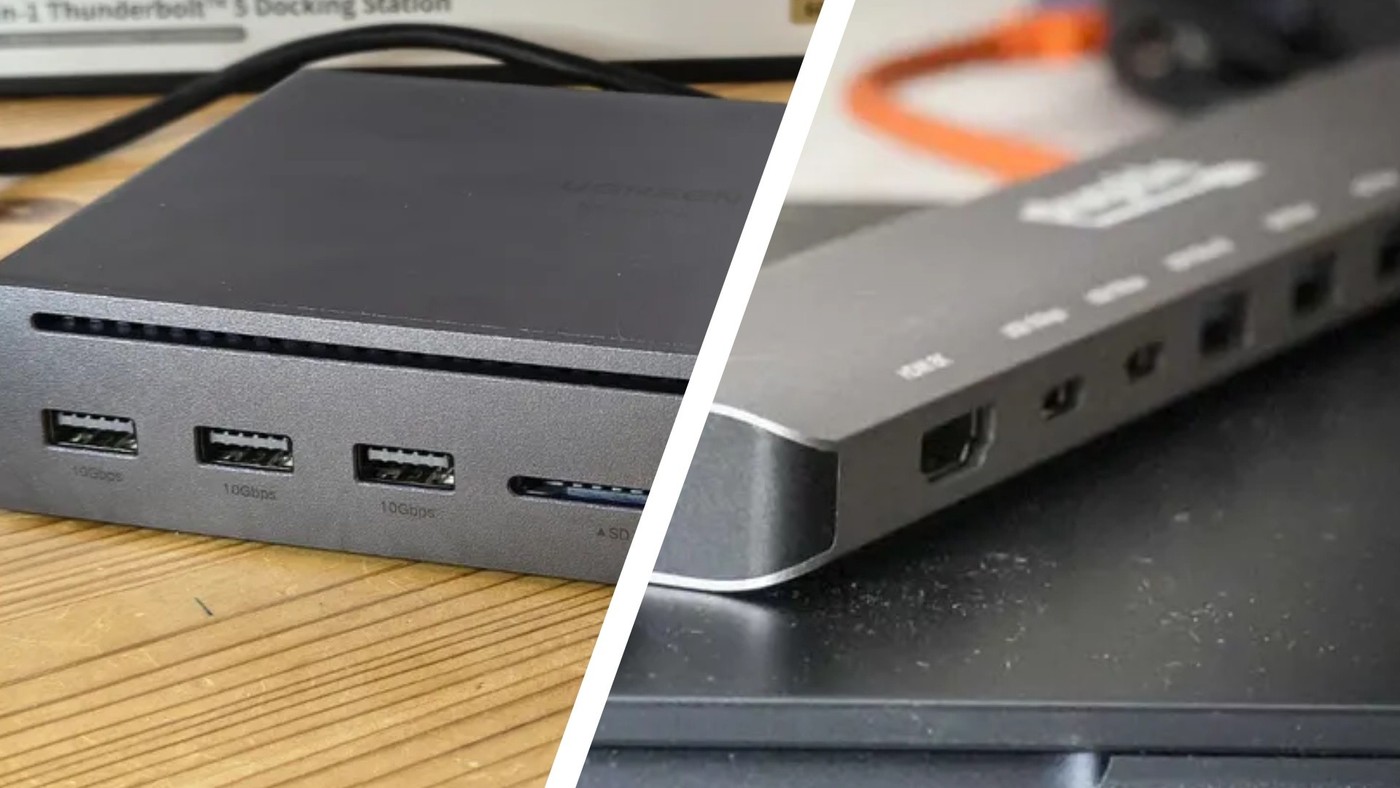
DisplayPort Multi-Stream Transport sends multiple uncompressed video streams through a supported link. Plugable explains that an MST hub can break that link into individual monitor connections, while compatible monitors can also form a daisy chain. The feature can travel through suitable USB-C Alt Mode and Thunderbolt connections.
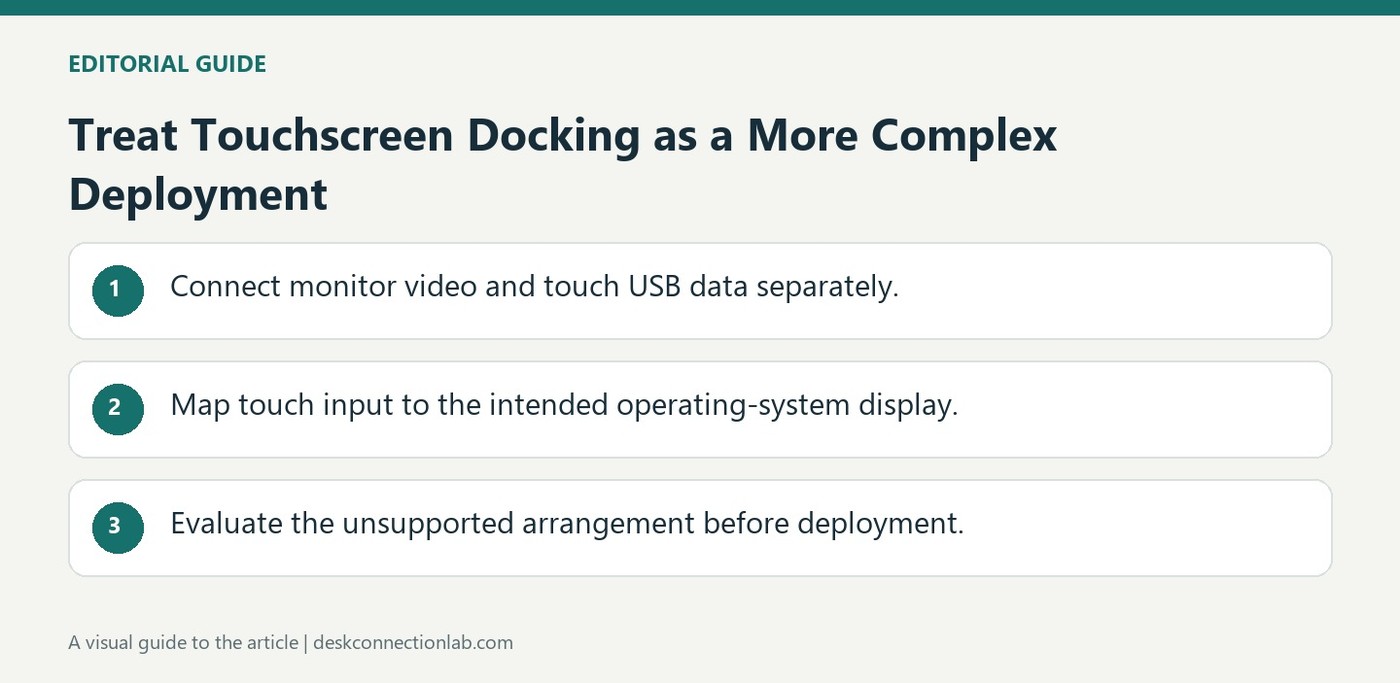
A DisplayLink docking station can carry touchscreen video while a separate USB connection carries touch input. Plugable notes that driverless HID touchscreens may function, but mapping input to virtual graphics displays can become unreliable. This is why a seemingly simple cable arrangement can demand additional operating system configuration.
A Windows laptop can go to sleep when its lid closes even while connected to a dock. Plugable recommends providing power, an external monitor, and an external keyboard and mouse before enabling closed-lid operation. The dock can supply power only if its host charging and the laptop are compatible.
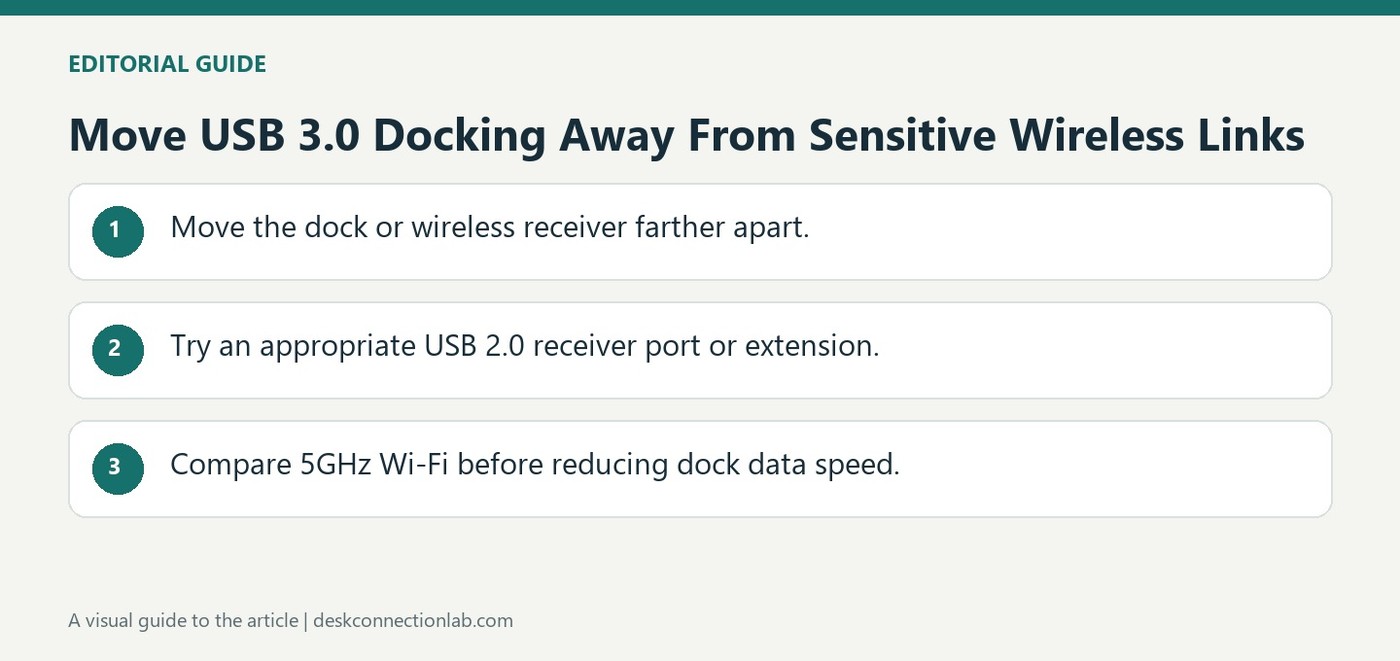
Plugable explains that USB 3.0 connections can generate radio-frequency interference affecting nearby Wi-Fi equipment or wireless keyboard and mouse receivers. The behavior is not unique to its docking stations. A newly unreliable wireless connection can therefore be related to positioning around the dock rather than a failed network adapter.
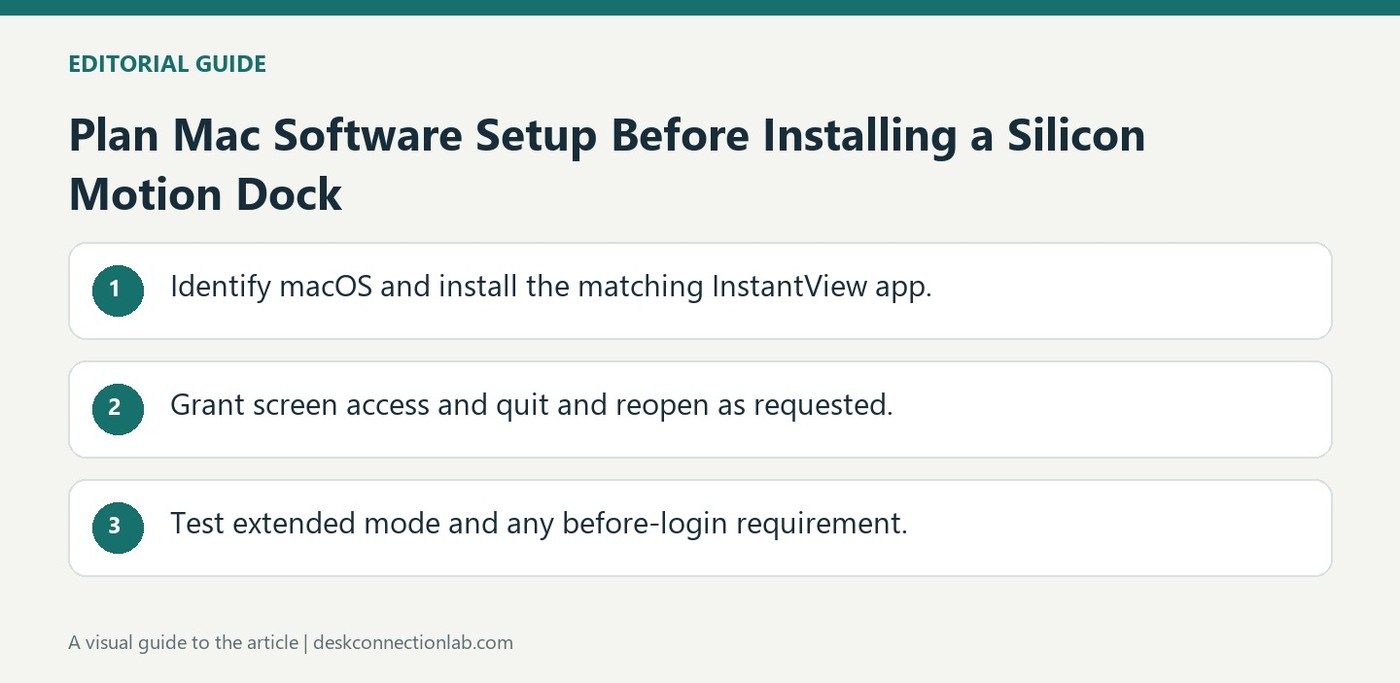
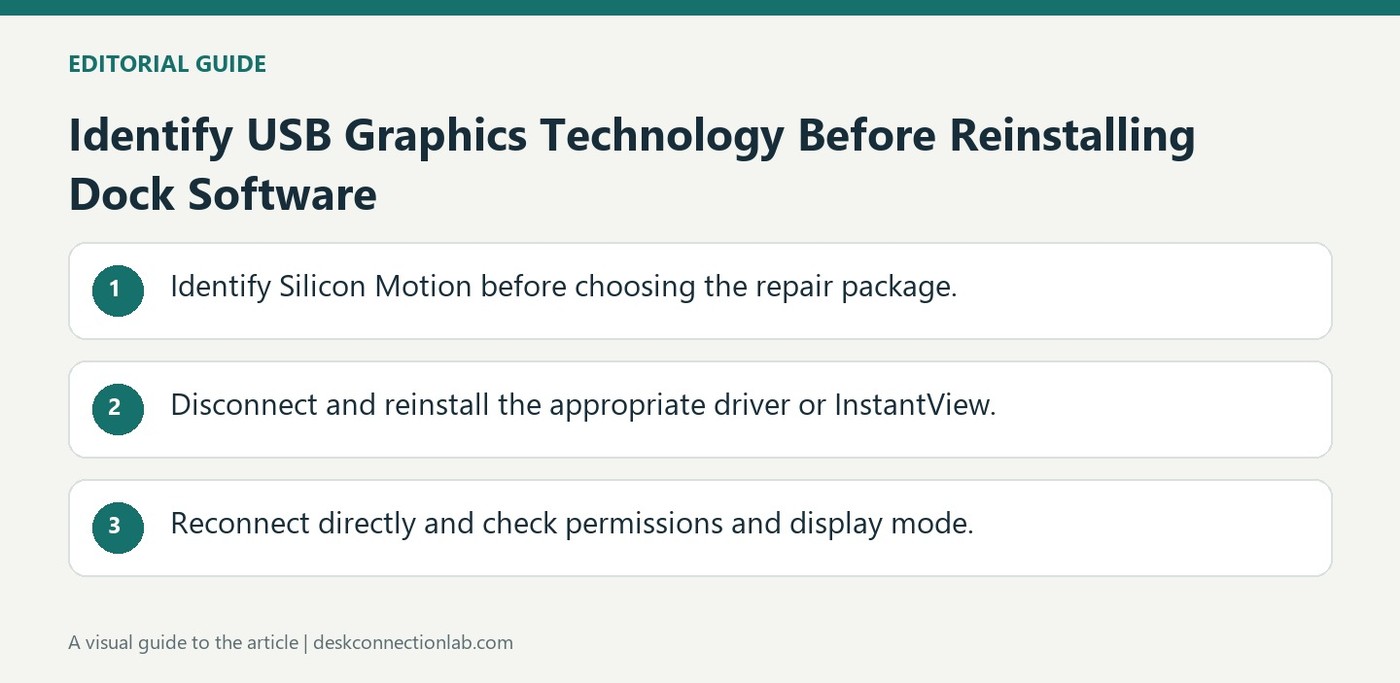
A Silicon Motion docking station on a recent Mac depends on InstantView to produce its USB graphics outputs. Plugable's installation guide covers the UD-768PDZ alongside related adapters and instructs users to grant screen access after installing the application. Dock power and a connected host cable are not the complete setup.
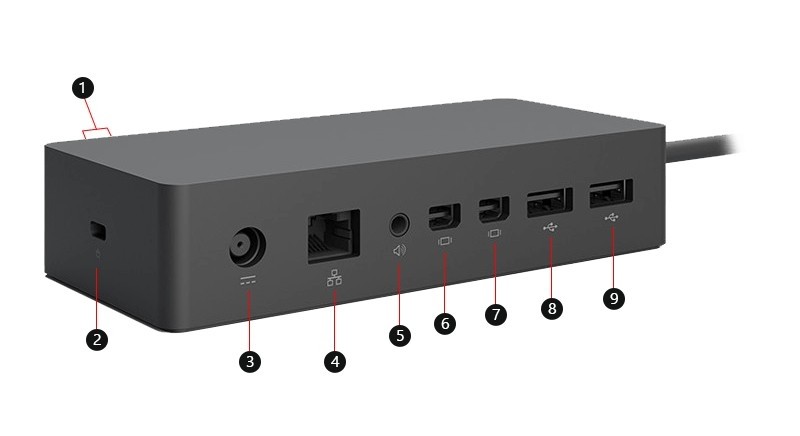
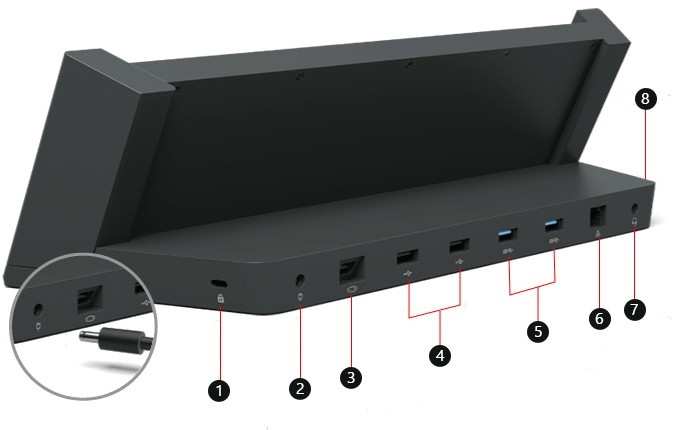
The original Surface Dock combines USB 3 ports, Mini DisplayPort outputs, Ethernet and an audio socket through a Surface Connect host connection. Its external power supply is part of the setup. These connections differ from newer USB-C docks, so cable selection and display compatibility should be checked against this particular model.
TechRadar's hub-versus-dock guide explains that a small hub commonly takes its operating power from the computer, while a desktop docking station often has a dedicated supply. The article also notes that some USB hubs accept external power. That exception matters: hub and dock labels alone do not establish how much power is available to connected devices.
Microsoft's dock identification guide separates several generations with different host connections and port combinations. A Surface Connect dock and a USB-C dock are not interchangeable merely because both add desktop accessories. Knowing the exact dock model makes its compatibility table, power supply and display specifications meaningful.
Plugable's Thunderbolt dock guidance describes replacing an included host cable with a supported longer cable when needed. It gives a two-meter Plugable Thunderbolt cable as an example and notes that the cable flag identifies specifications. This preserves a single defined host link instead of adding uncertain intermediate connections.
Plugable's clean reinstall guidance for Silicon Motion products covers specified docks and adapters, including the UD-768PDZ. On Windows it removes and reinstalls the Silicon Motion USB display driver with a restart; on macOS it addresses InstantView and its screen access. The instructions are tied to that chipset.