
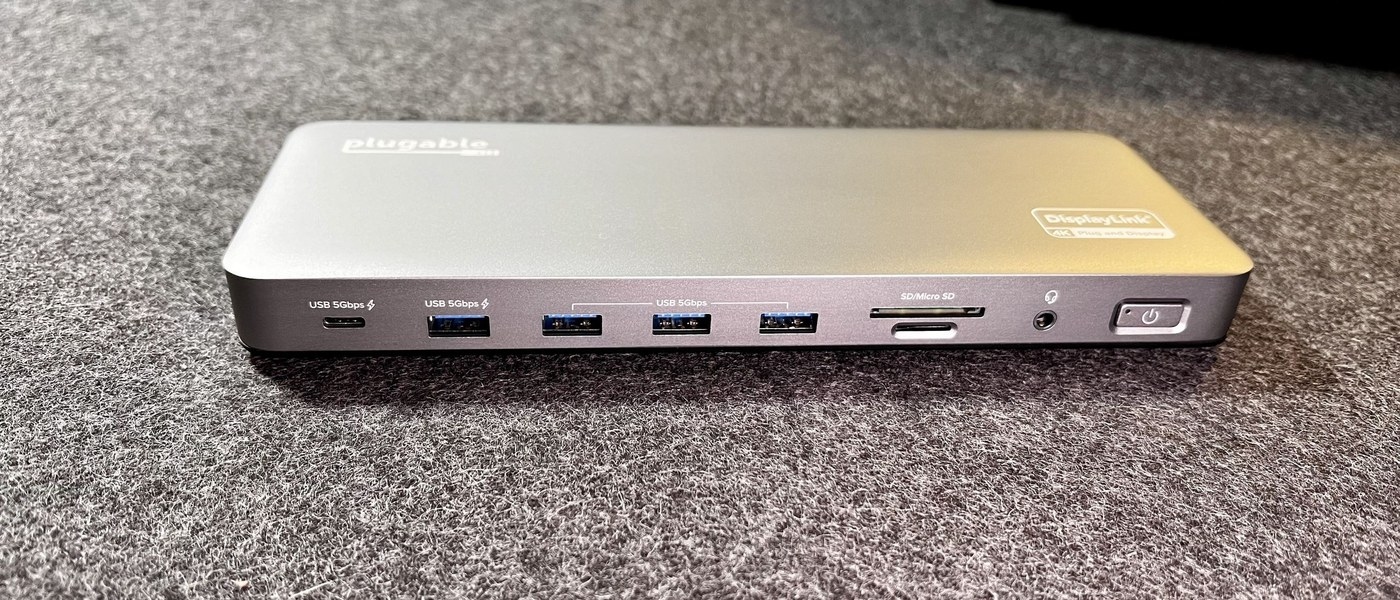
Connect a monitor through USB-C: Check what a Surface USB-C connection can do
Connect a monitor through USB-C
A USB-C monitor connection needs documented video support from the host port, an appropriate cable or adapter and a compatible display input. Charging or transferring files through the port is useful evidence about those functions, but does not establish every display feature.
Use the device cable and test directly
Microsoft notes that USB-C on supported Surface devices can transfer files, operate accessories, send video and supply power, but troubleshooting must follow the missing function. If an accessory is not recognized, reconnect it and try it directly on the Surface instead of through a hub. Use its supplied cable because USB-C cables do not all support identical features.
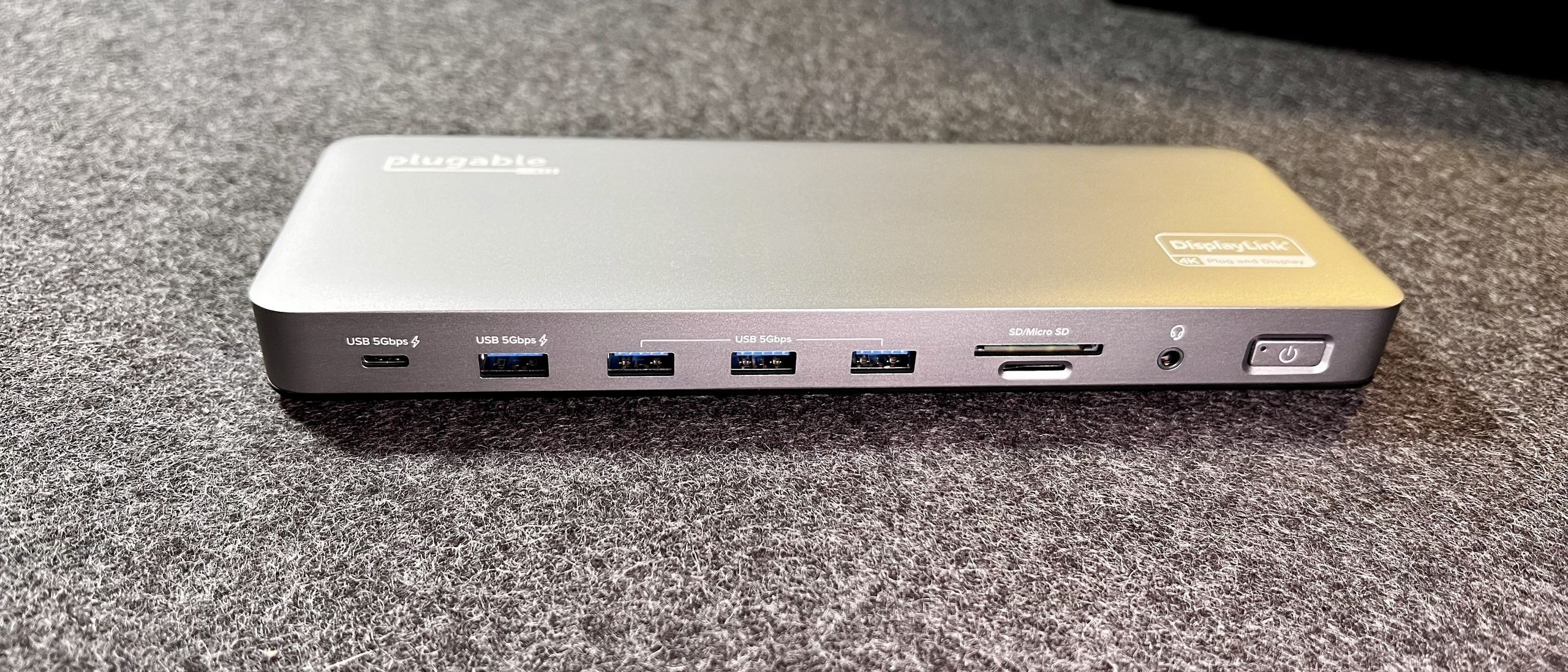
Supply the required power
An accessory with its own power adapter should have that adapter connected. Charging a Surface also calls for an appropriate USB-C Power Delivery charger and sufficient wattage. The guide states that display adapters need a PC USB-C port configured for video output. A working USB device connection therefore does not by itself confirm that the same port can operate an external monitor.
Microsoft notes that USB-C on supported Surface devices can transfer files, operate accessories, send video and supply power, but troubleshooting must follow the missing function. A USB-C monitor connection needs documented video support from the host port, an appropriate cable or adapter and a compatible display input.


Leave a Comment
Comments (0)