
Connect a monitor through USB-C: Separate USB-C connection limits from faults
Connect a monitor through USB-C
A USB-C monitor connection needs documented video support from the host port, an appropriate cable or adapter and a compatible display input. Charging or transferring files through the port is useful evidence about those functions, but does not establish every display feature.
Identify the missing function
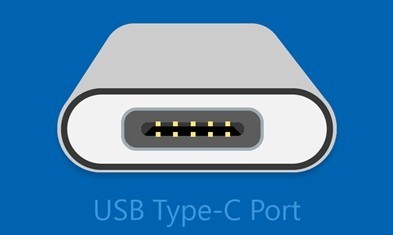
A USB-C plug can fit even when the requested feature is unavailable. Microsoft's Windows troubleshooting guide links limited USB4 functionality to the capabilities of the computer, cable and intermediate device. A dock or adapter can therefore be the limiting part of a connection that otherwise appears physically correct.
Test power and data independently
Slow charging may reflect an insufficient charger, an unsuitable cable or the wrong charging port. Try the manufacturer-supplied cable and the appropriate computer port, then simplify the connection before replacing equipment. Device Manager error information can help distinguish an unrecognized accessory from an unsupported connection mode; charging success alone does not prove that video or fast data will work.
A USB-C plug can fit even when the requested feature is unavailable. A USB-C monitor connection needs documented video support from the host port, an appropriate cable or adapter and a compatible display input.


Leave a Comment
Comments (0)