
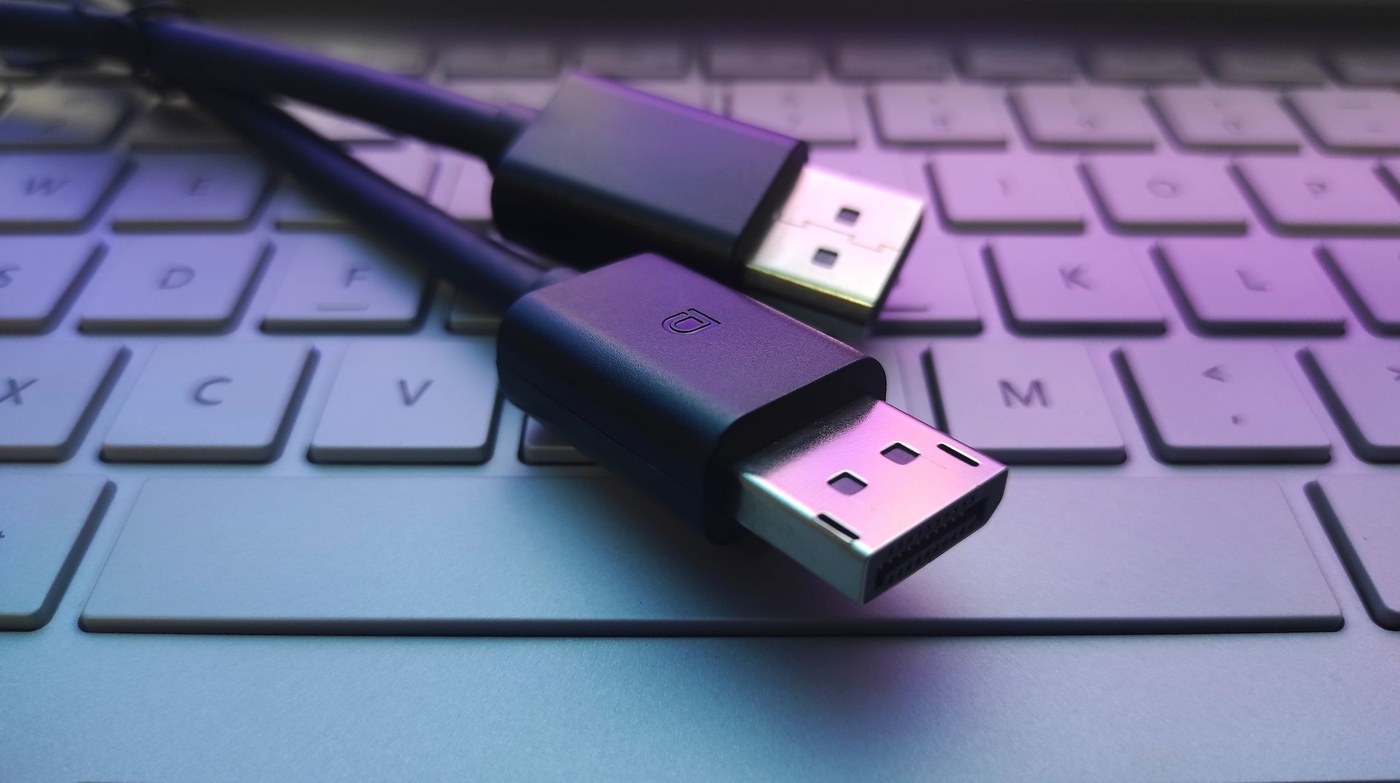
HDMI or DisplayPort for a monitor: Separate DisplayPort protocol from connector choice
HDMI or DisplayPort for a monitor
Choose a monitor connection by the video mode supported at both ends. HDMI and DisplayPort names alone do not settle resolution, refresh rate or adapter compatibility. Check the computer's output and the screen's input together, then choose the simplest supported cable path.
An argument for simpler cabling
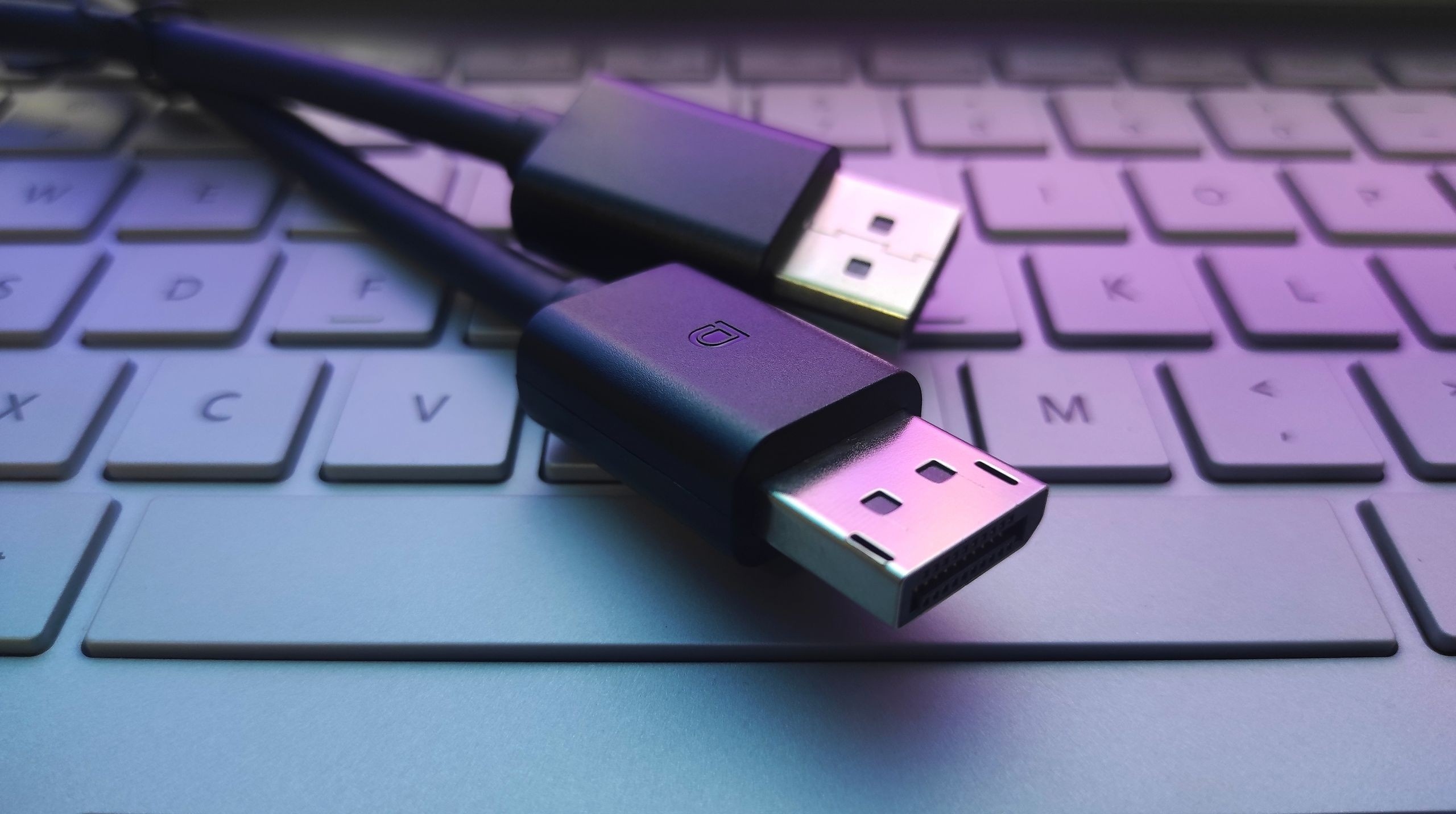
A TechRadar opinion article questions the continuing need for a dedicated physical DisplayPort connector as HDMI and USB-C connections advance. The writer explicitly distinguishes the DisplayPort video protocol from its familiar full-size plug. DisplayPort video can also travel through compatible USB-C and Thunderbolt arrangements, so fewer connector types would not necessarily mean abandoning the protocol.
Treat the proposal as opinion
The article favors reducing cable clutter and electronic waste, rather than presenting a universal compatibility rule. Its comparison of newer HDMI and DisplayPort capabilities does not mean existing graphics cards and monitors can use every new mode. When choosing a real cable, the supported ports, interface features and required screen settings remain more useful than a prediction about which connector should eventually disappear.
A TechRadar opinion article questions the continuing need for a dedicated physical DisplayPort connector as HDMI and USB-C connections advance. Choose a monitor connection by the video mode supported at both ends.


Leave a Comment
Comments (0)