
HDMI or DisplayPort for a monitor: Calculate a realistic external display setup
HDMI or DisplayPort for a monitor
Choose a monitor connection by the video mode supported at both ends. HDMI and DisplayPort names alone do not settle resolution, refresh rate or adapter compatibility. Check the computer's output and the screen's input together, then choose the simplest supported cable path.
Resolution depends on the whole configuration
Microsoft's Surface display tables relate maximum external resolution and refresh rate to the particular computer, processor and connection. The number of connected displays also matters. A headline capability for one Surface model is therefore not a promise that every laptop or every docking arrangement can drive the same screens.
Account for adapters and the built-in screen
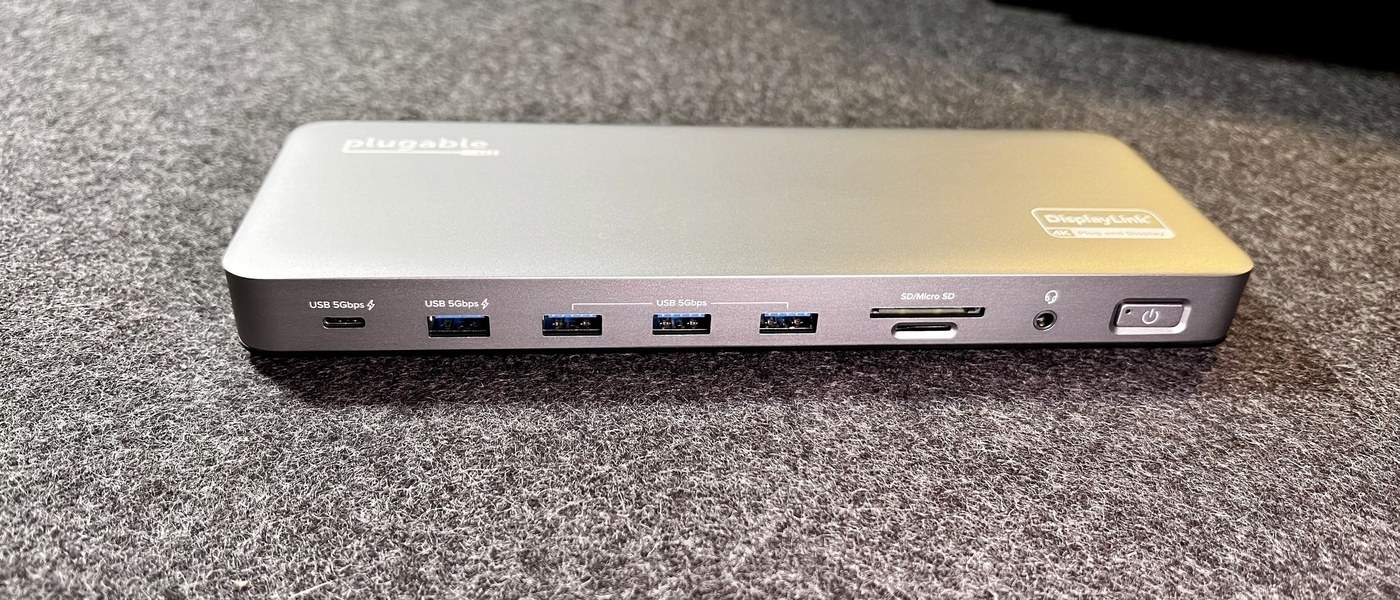
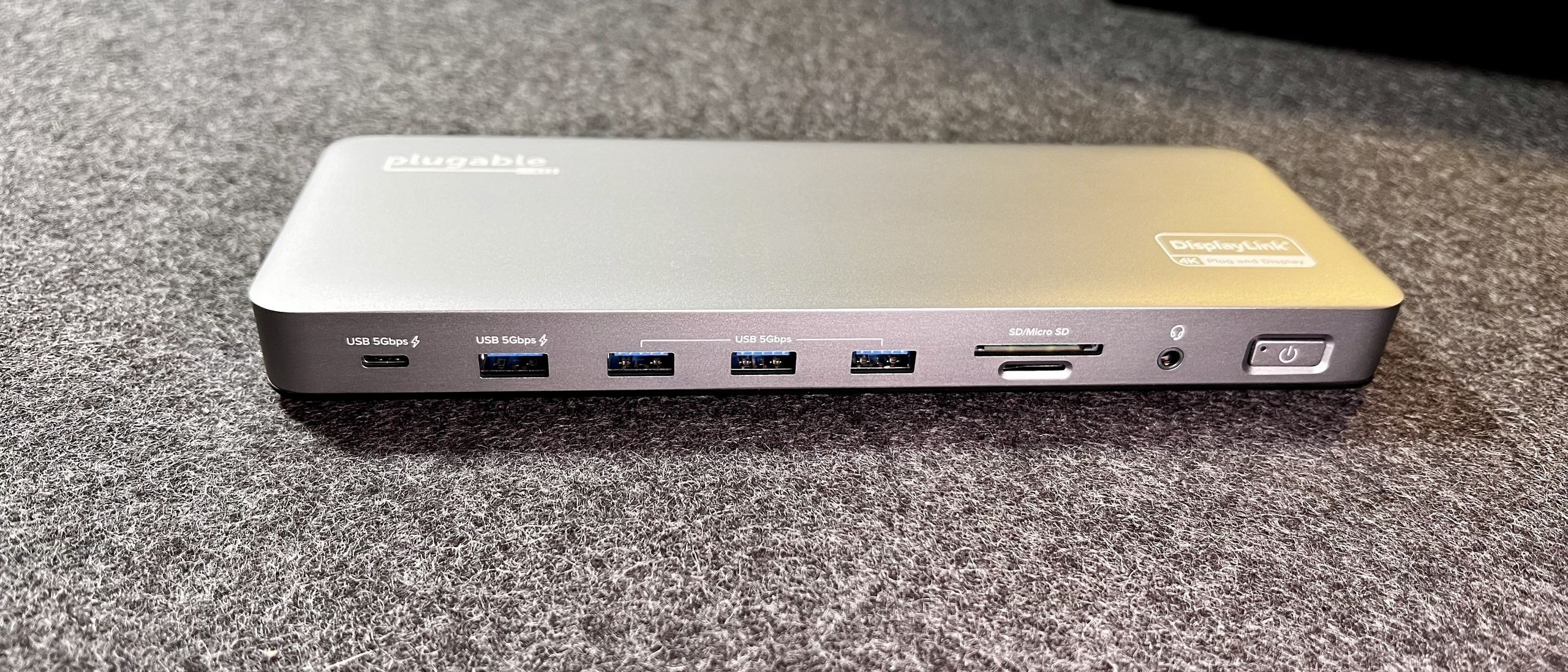
The guide explains that docks, adapters and travel hubs can impose additional limits. Some configurations also depend on whether the internal display remains active. Compare the exact configuration with the relevant table before buying a cable. If a second screen lowers the available refresh rate, test one external monitor first and review the documented limits of each link.
Microsoft's Surface display tables relate maximum external resolution and refresh rate to the particular computer, processor and connection. Choose a monitor connection by the video mode supported at both ends.


Leave a Comment
Comments (0)