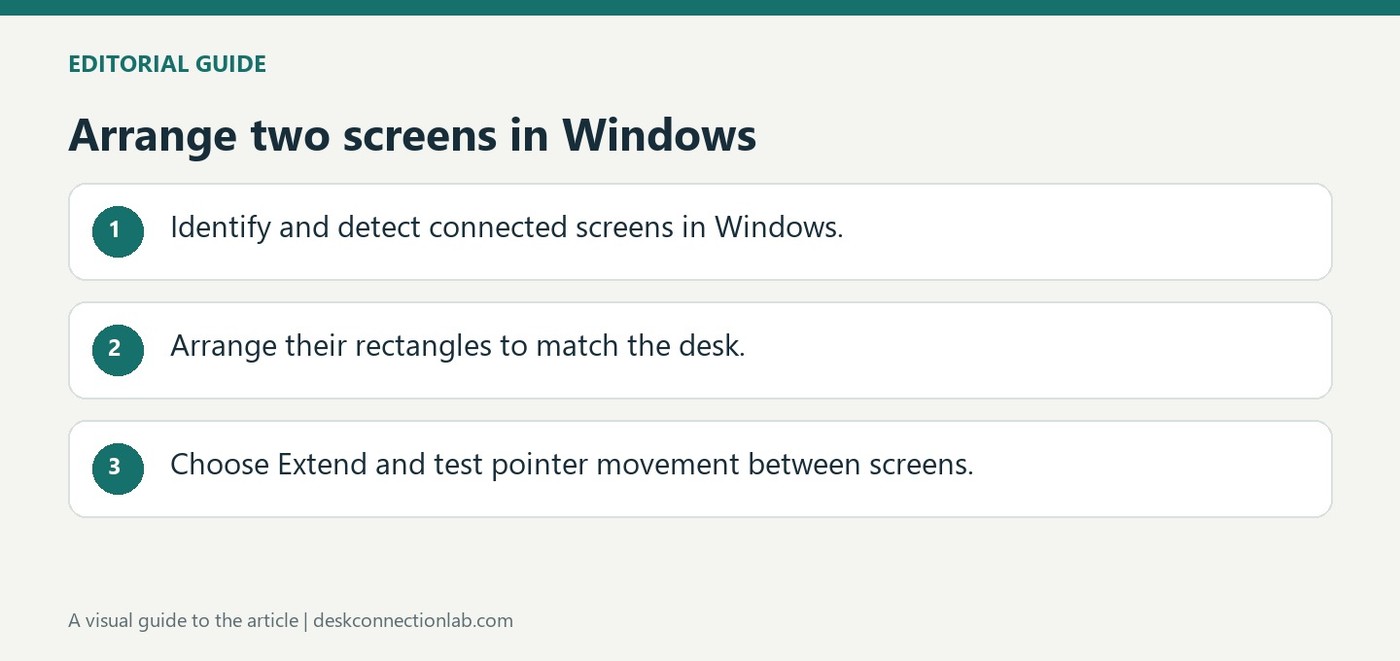
After checking the cables and installing available Windows updates, open Settings, System, Display. Identify displays so the numbers on screen can be matched to the actual monitors. If a connected display is missing, use Detect. These controls help separate a monitor that Windows cannot see from one that is simply arranged incorrectly.
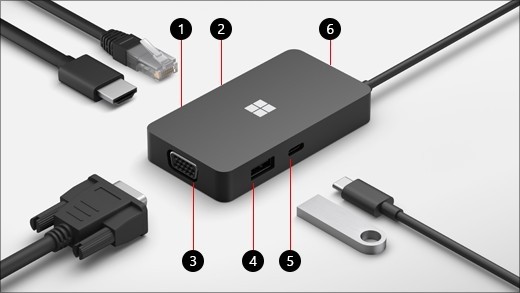
Surface USB-C Travel Hub expands a compatible USB-C connection with HDMI, VGA, Ethernet and USB accessory ports. Microsoft requires a host port with DisplayPort Alternate Mode for its video functions. A laptop with a USB-C socket that only transfers data will not gain native display output merely by attaching this hub.
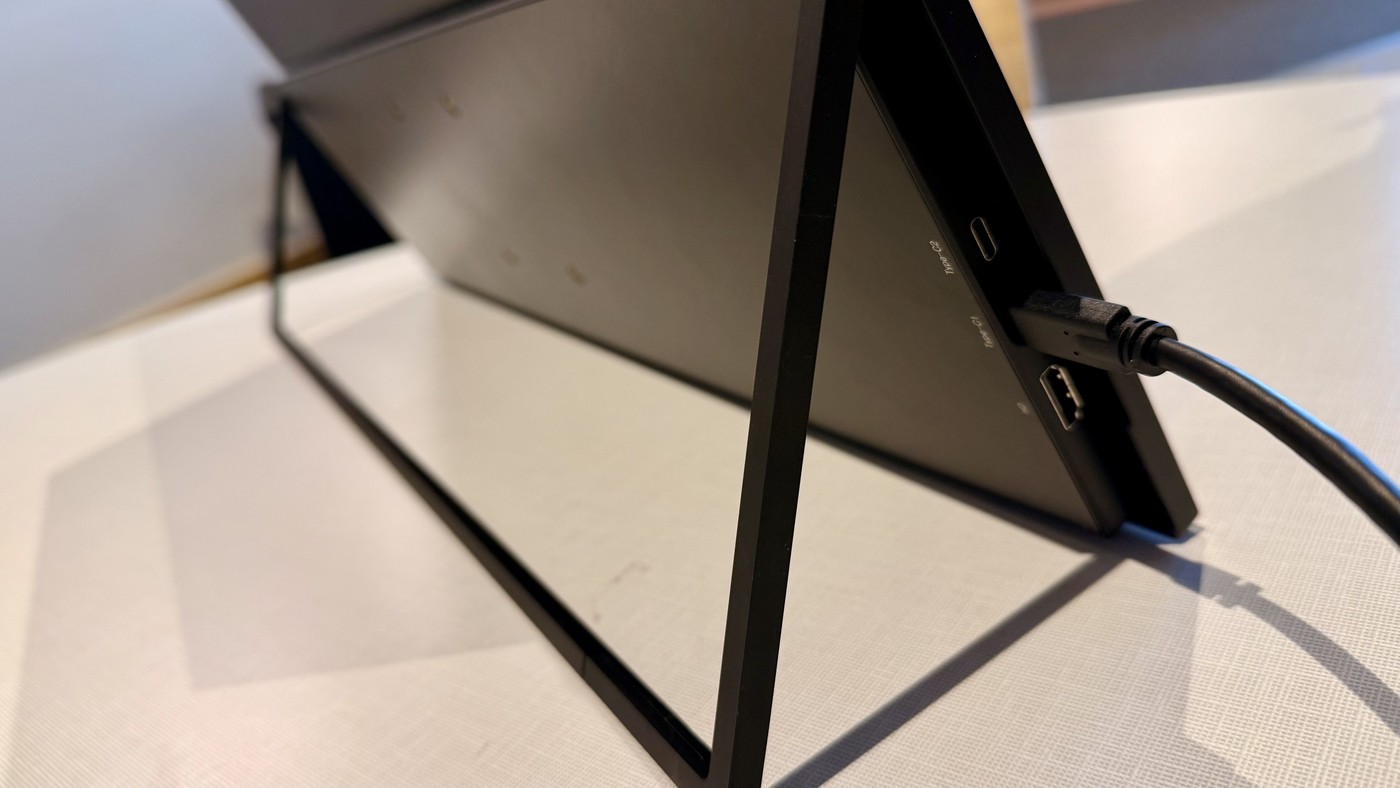
TechRadar's UPerfect UColor T3 review describes a 23.8-inch 4K matte display with a thin portable design, built-in stand, and VESA mounting capability. On a suitable host, a single USB-C connection supplies the display setup. That can make it useful for temporary workspaces despite its larger travel footprint.
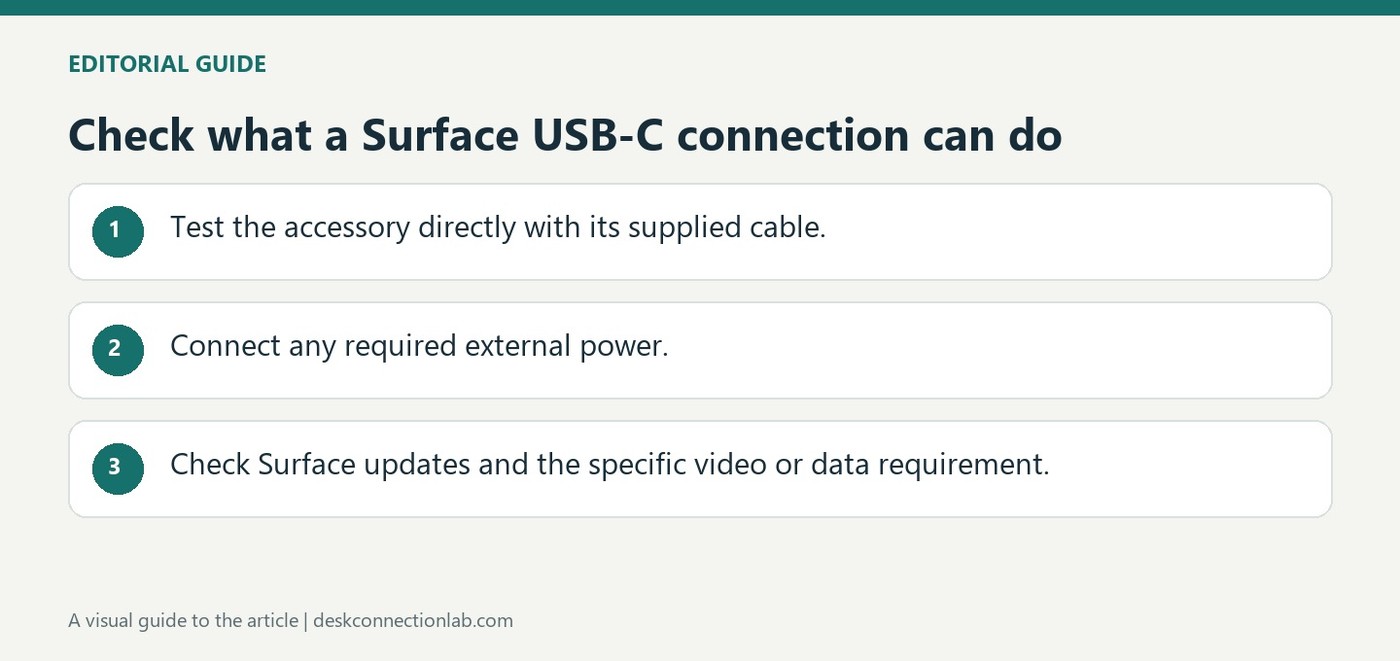
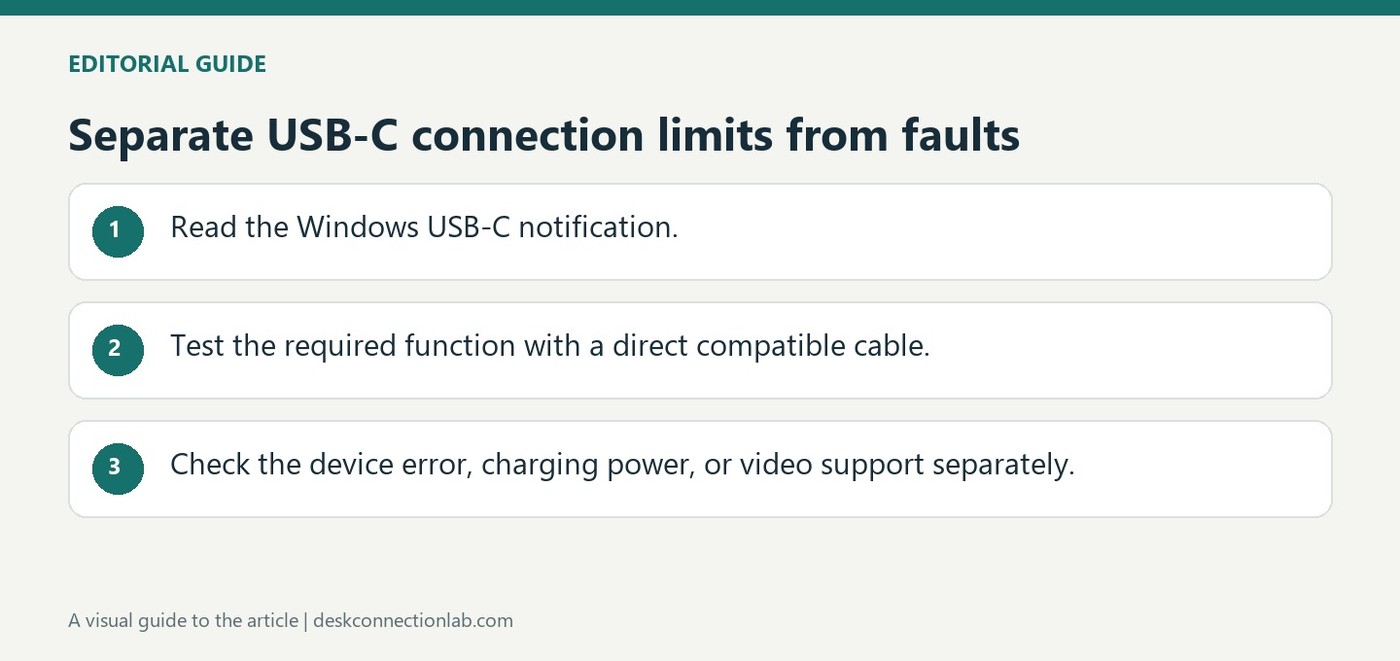
Microsoft notes that USB-C on supported Surface devices can transfer files, operate accessories, send video and supply power, but troubleshooting must follow the missing function. If an accessory is not recognized, reconnect it and try it directly on the Surface instead of through a hub. Use its supplied cable because USB-C cables do not all support identical features.
A USB-C plug can fit even when the requested feature is unavailable. Microsoft's Windows troubleshooting guide links limited USB4 functionality to the capabilities of the computer, cable and intermediate device. A dock or adapter can therefore be the limiting part of a connection that otherwise appears physically correct.
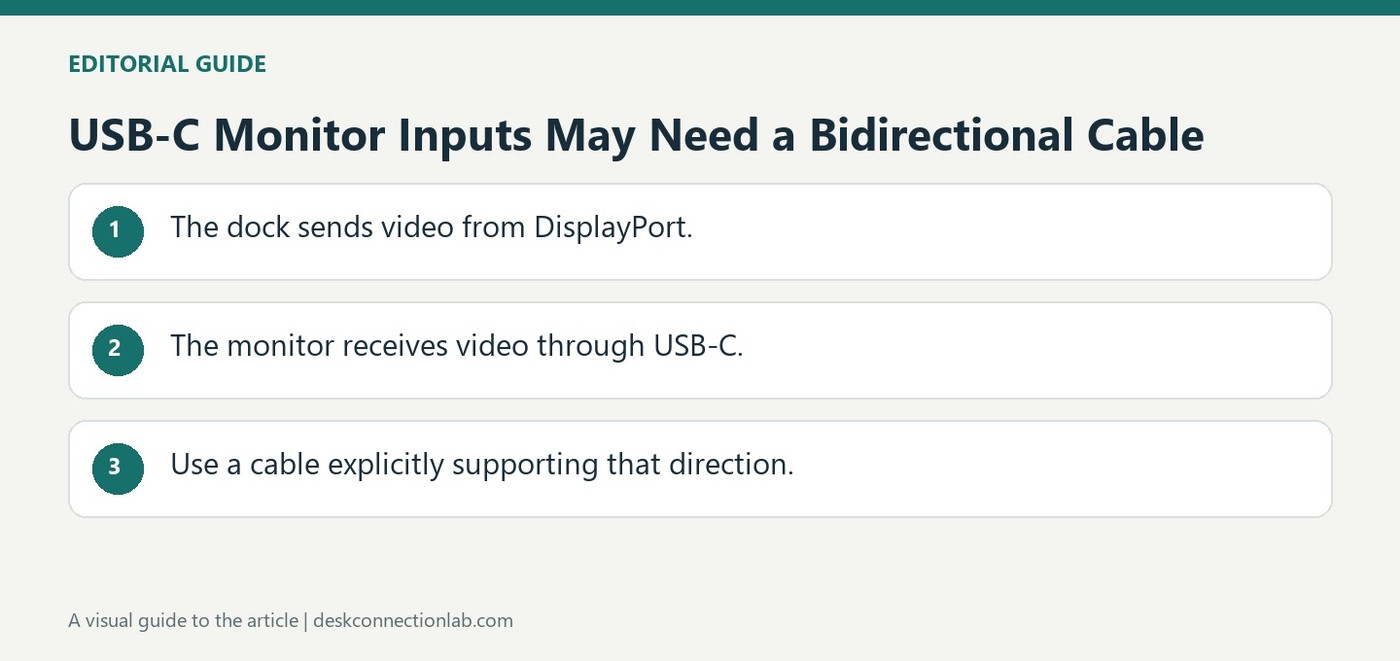
Many USB-C-to-DisplayPort cables carry video only from a USB-C source to a monitor's DisplayPort input. Plugable explains that connecting a dock's DisplayPort output to a monitor's USB-C input requires a cable designed for that direction, such as a suitable bidirectional DisplayPort-to-USB-C cable.
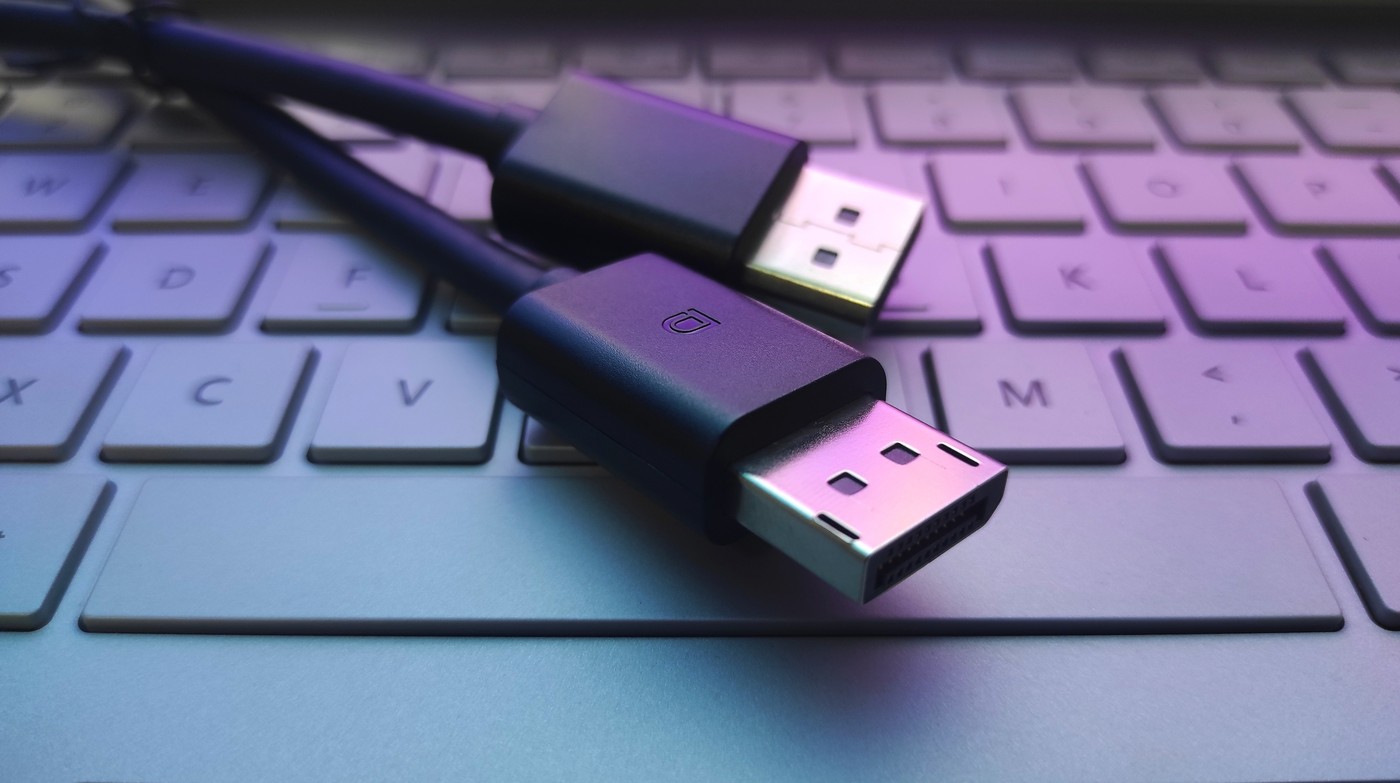
A TechRadar opinion article questions the continuing need for a dedicated physical DisplayPort connector as HDMI and USB-C connections advance. The writer explicitly distinguishes the DisplayPort video protocol from its familiar full-size plug. DisplayPort video can also travel through compatible USB-C and Thunderbolt arrangements, so fewer connector types would not necessarily mean abandoning the protocol.
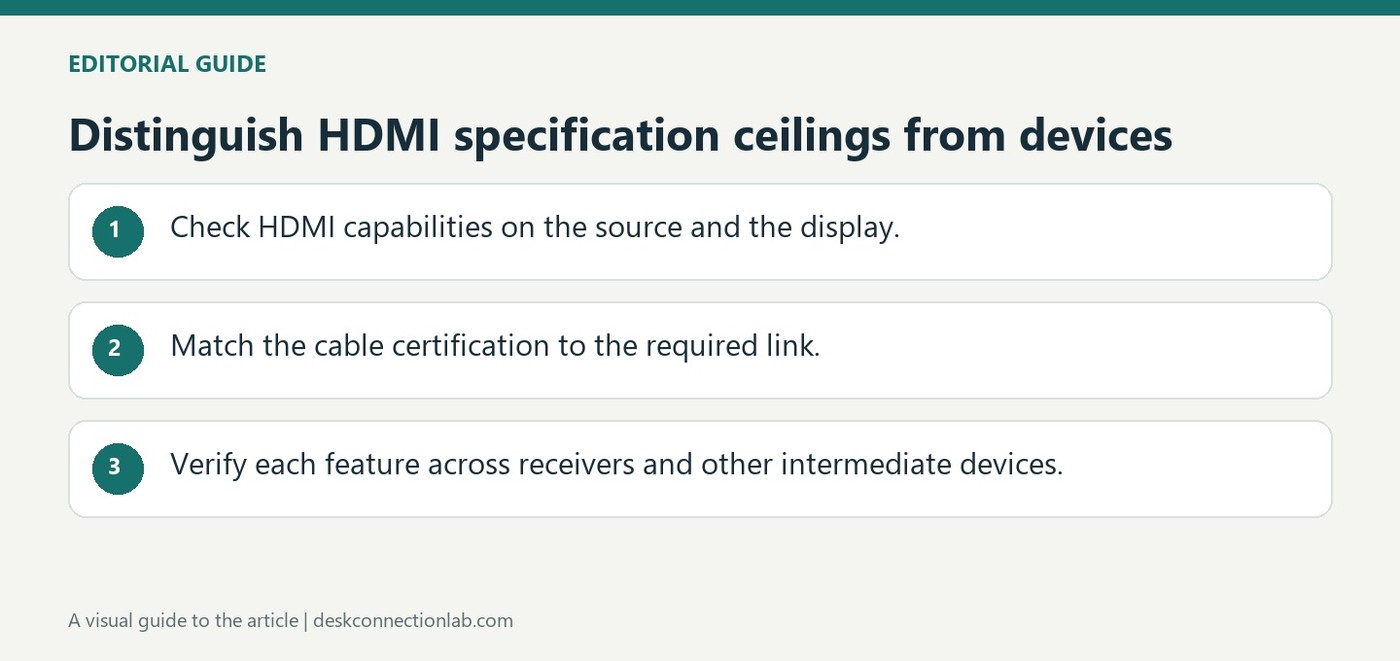
The HDMI licensing organization's overview describes HDMI 2.2 with bandwidth up to 96Gbps and an Ultra96 cable category for supported applications. It also distinguishes the earlier Ultra High Speed HDMI cable category, associated with configurations up to 48Gbps. These are capabilities of specified combinations, not automatic upgrades for older ports.
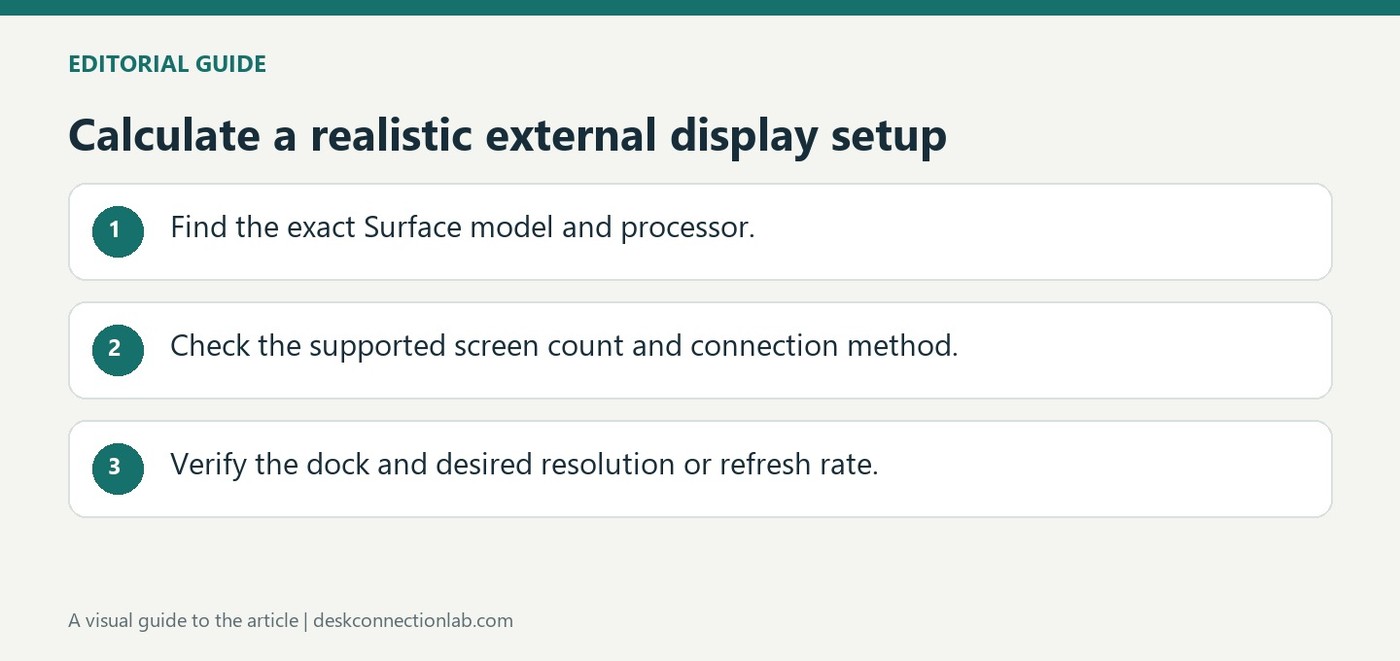
Microsoft's Surface display tables relate maximum external resolution and refresh rate to the particular computer, processor and connection. The number of connected displays also matters. A headline capability for one Surface model is therefore not a promise that every laptop or every docking arrangement can drive the same screens.
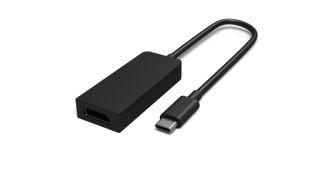
Microsoft documents USB-C adapters for HDMI, DisplayPort and VGA. Choose the version that matches the screen's input instead of adding unnecessary conversion steps. Connect the display cable to the adapter and the adapter to the Surface, then use Windows plus P to select the projection mode.