
Compare USB 3 and USB4 by supported functions: See how USB4 shares one connection
Compare USB 3 and USB4 by supported functions
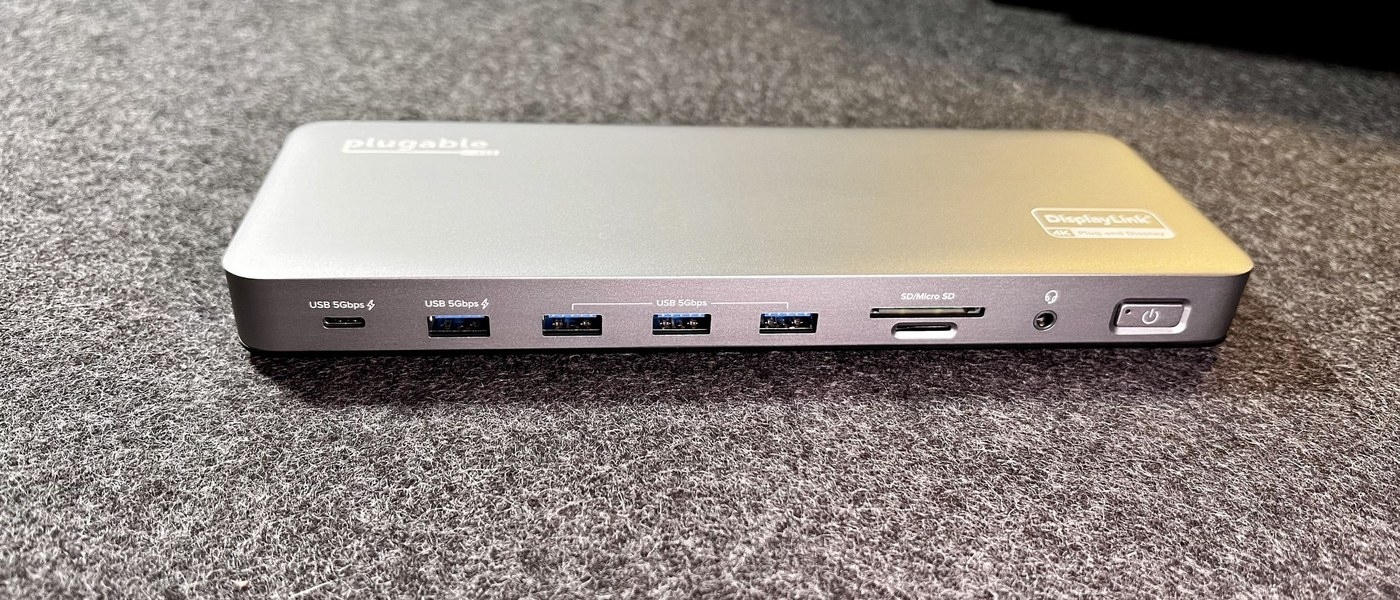
USB4 changes how supported data and display traffic can share a high-speed connection, but actual performance depends on compatible products at both ends. Compare the host, dock and cable together. Do not treat a USB-C shape or a backward-compatible connection as proof that every USB4 feature is active.
Data and display use a common link
USB-IF describes USB4 as an architecture that builds on USB 3.2 and USB 2.0 while using technology contributed from Thunderbolt. It can carry multiple data and display protocols together, dynamically allocating the high-speed link according to the connected devices and applications. This is a broader change than substituting a different plug.
Check the mutually supported capability
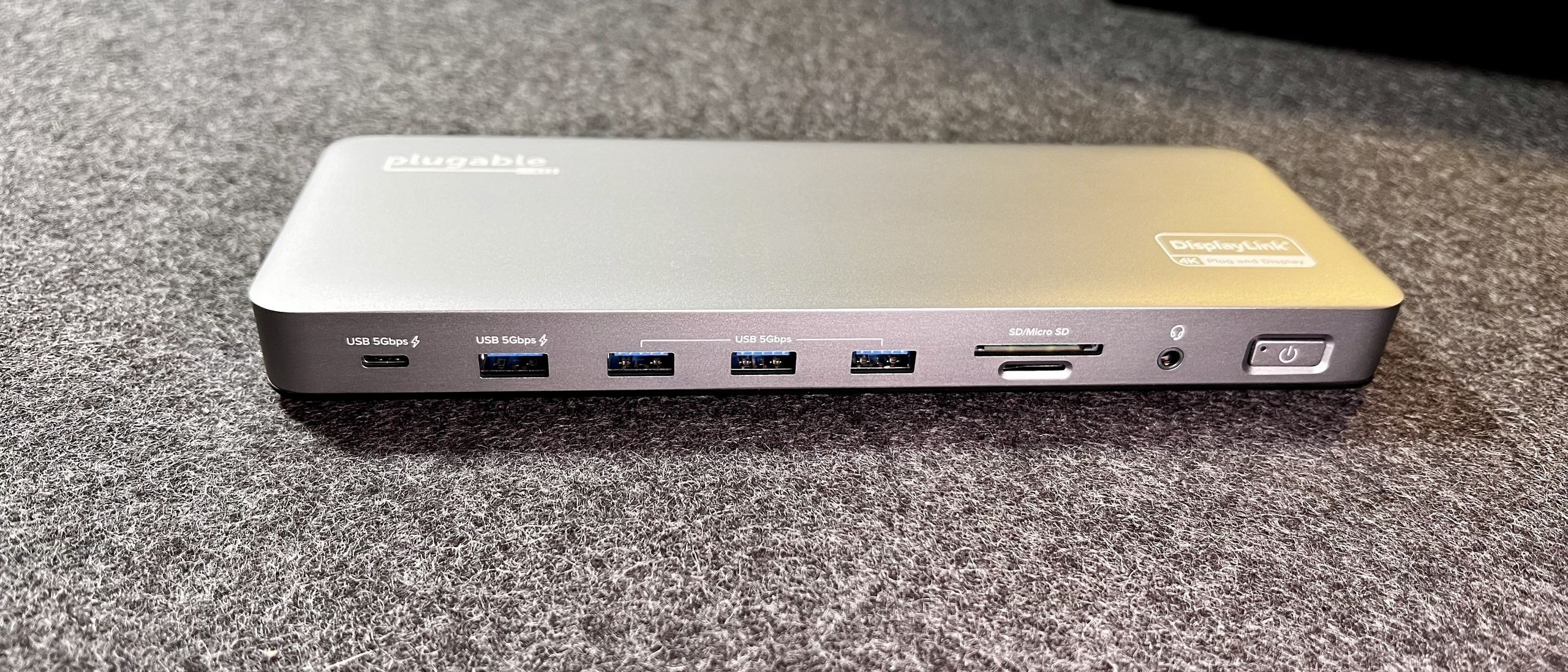
The USB-IF overview discusses operation up to 80 Gbps with appropriately certified cables and support for earlier USB generations. A connection scales to the capabilities the attached products share. Consequently, a USB4-capable dock does not make an older host equally fast, and display traffic shares available resources rather than receiving an unlimited channel independent of other transfers.
USB-IF describes USB4 as an architecture that builds on USB 3.2 and USB 2.0 while using technology contributed from Thunderbolt. USB4 changes how supported data and display traffic can share a high-speed connection, but actual performance depends on compatible products at both ends.


Leave a Comment
Comments (0)