
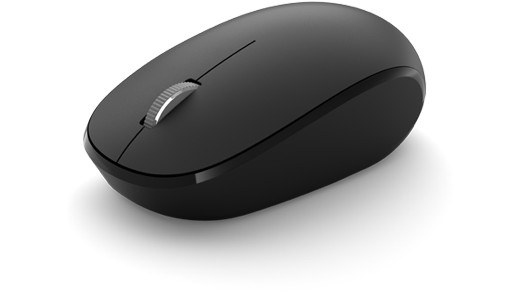
Choose powered expansion for USB accessories: Test the physical keyboard or mouse connection
Choose powered expansion for USB accessories
A bus-powered hub shares the computer connection's available power, while externally powered equipment can provide a different power budget. Check the actual product rather than relying on its hub or dock label. If an accessory fails through a hub, a direct connection is a useful isolation test.
Simplify the USB path first
Microsoft recommends reconnecting USB devices, checking another port and inspecting cables before making complex software changes. When a hub sits between the accessory and computer, confirm that it has power, then try a direct connection. Battery-powered keyboards and mice also need sufficient charge, and dirt can interfere with keys or sensors.
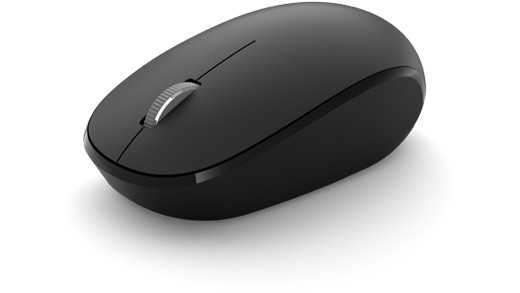
Separate receiver and Bluetooth faults
For a USB wireless receiver, unplugging it briefly and reconnecting it can reestablish the link. Bluetooth devices need their own pairing checks. Test the accessory on another computer with the appropriate driver if it appears completely inactive. A device that fails on both systems points toward a different problem from one that works elsewhere but not on the original PC.
Microsoft recommends reconnecting USB devices, checking another port and inspecting cables before making complex software changes. A bus-powered hub shares the computer connection's available power, while externally powered equipment can provide a different power budget.


Leave a Comment
Comments (0)