
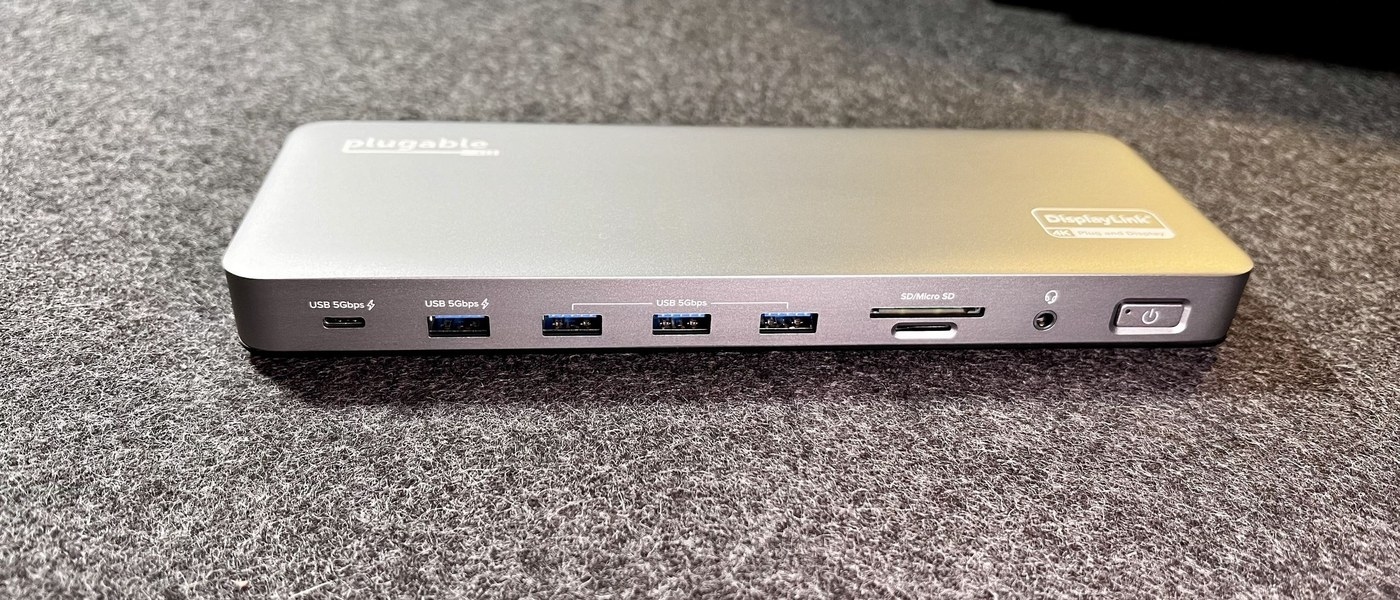
Separate USB-A and USB-C connector choices: Understand the USB-C connector's role
Separate USB-A and USB-C connector choices
USB-A and USB-C describe physical connections, while data performance, charging and video require their own specifications. List the accessories and functions the computer needs before choosing an adapter or hub. A smaller reversible connector can improve convenience without guaranteeing that every attached device gains the same capabilities.
A smaller reversible connection
USB-IF describes USB Type-C as a connector ecosystem designed for smaller and thinner devices while preserving USB functionality. Its reversible orientation removes the need to turn the plug over before insertion. The specification also addresses the changing robustness and usability requirements of computers and mobile products.
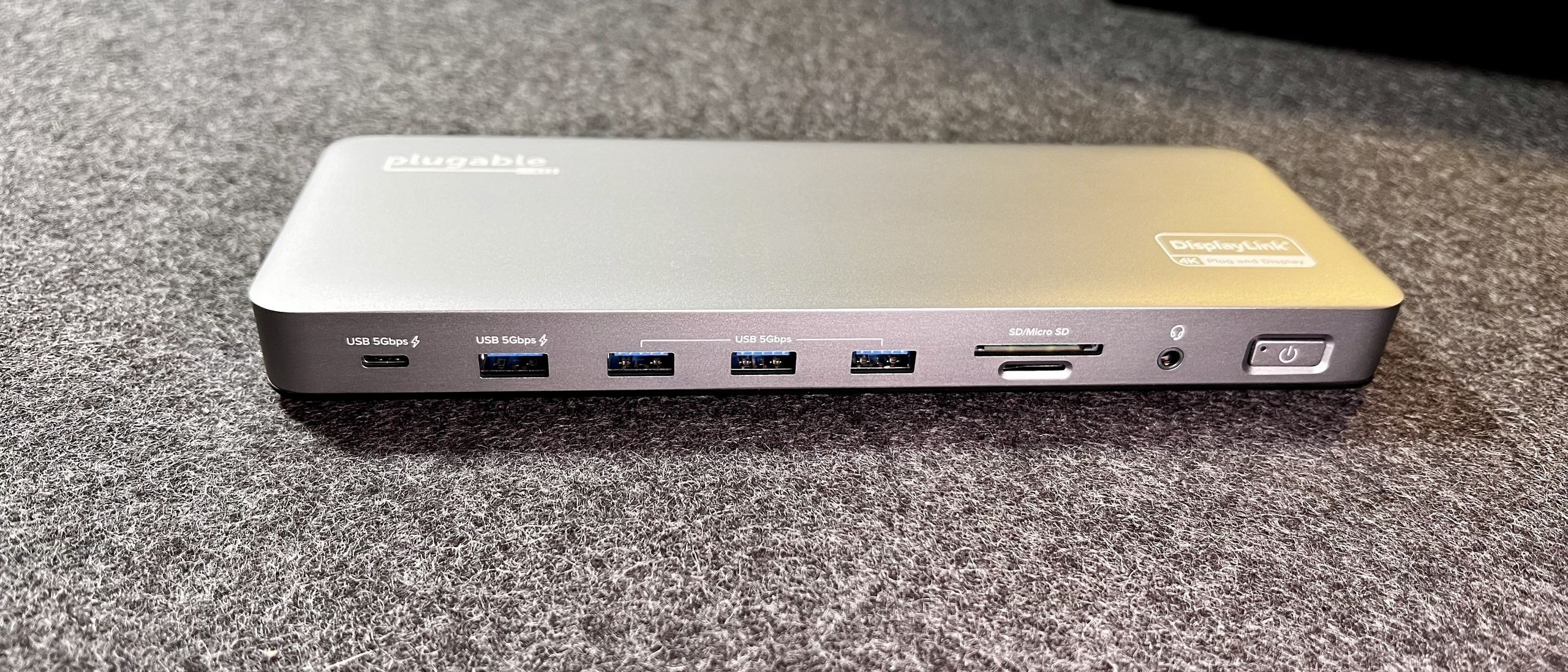
Do not read performance from shape
The connector is designed to accommodate scalable power and performance, so its presence does not identify one fixed data speed or charging level. Compare a product's separate power, data and display specifications. USB-IF also maintains compliance testing and logo requirements; a claim of a USB-C socket should be considered alongside the actual documented capabilities of the computer, cable and accessory.
USB-IF describes USB Type-C as a connector ecosystem designed for smaller and thinner devices while preserving USB functionality. USB-A and USB-C describe physical connections, while data performance, charging and video require their own specifications.


Leave a Comment
Comments (0)